How to Never Oversleep for Work or a Shift Again
The short answer
Stop relying on willpower — build a wake-up that cannot fail
Short answer: you don't stop oversleeping for work by "trying harder" — you do it by making your wake-up reliable. Use a backup alarm that rings on silent and offline, stagger two or three alarms across the room, keep a consistent sleep window so you're not buried in sleep debt, and prep everything the night before so a slow start can't snowball into a late one.
Oversleeping for work almost never comes down to a single missed alarm. It's usually a chain: you went to bed late, the alarm fired during deep sleep, a music alarm failed quietly with no signal, and you dismissed it on autopilot. Break any link in that chain and you wake up on time. Below is a reliability-first routine built for early starts and rotating shifts — plus a concrete 5am-shift setup you can copy tonight.
The problem
Early shifts fight your biology, not your discipline
If waking for an early shift feels impossible, that's because it partly is. Three forces work against you:
- Sleep debt: short turnarounds and late nights leave you under-slept, and a sleep-deprived brain fights to stay asleep as a survival mechanism — it will override an alarm to get the recovery it needs.
- Chronotype: if you're a natural night owl, a 5am alarm lands while your body clock still thinks it's the middle of the night and you're in deep sleep, when you're hardest to wake.
- Social jet lag: rotating shifts mean your wake time jumps around, so your internal clock never settles and every early start feels like flying across time zones.
You can't out-discipline biology. What you can do is stop relying on a single fragile alarm and build a system that wakes you even on your worst-rested morning — the same logic behind the best alarm apps for heavy sleepers.
Step 1 · Reliability
A backup alarm that rings on silent and offline
The fastest way to oversleep is an alarm that fails quietly. Music and streaming alarms are the worst offenders: lose connection overnight and the app "plays" a track that never loads, so you wake to a silent phone. A Focus or Do Not Disturb schedule can mute it. A dead Wi-Fi router can kill it.
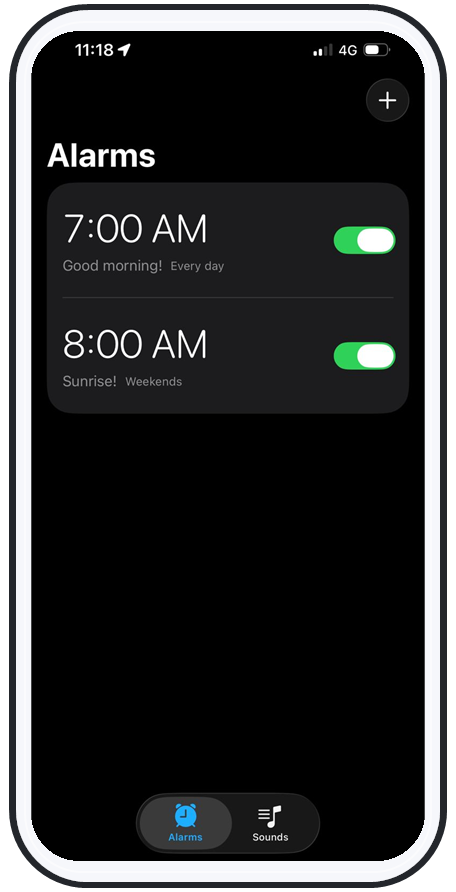
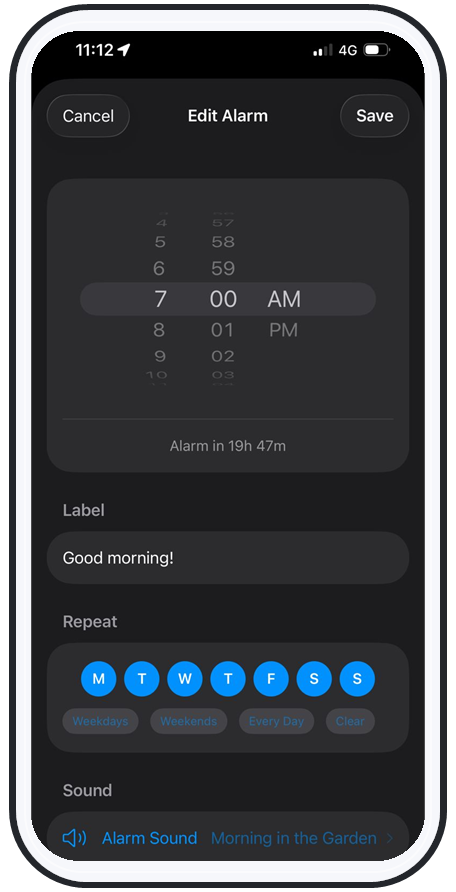
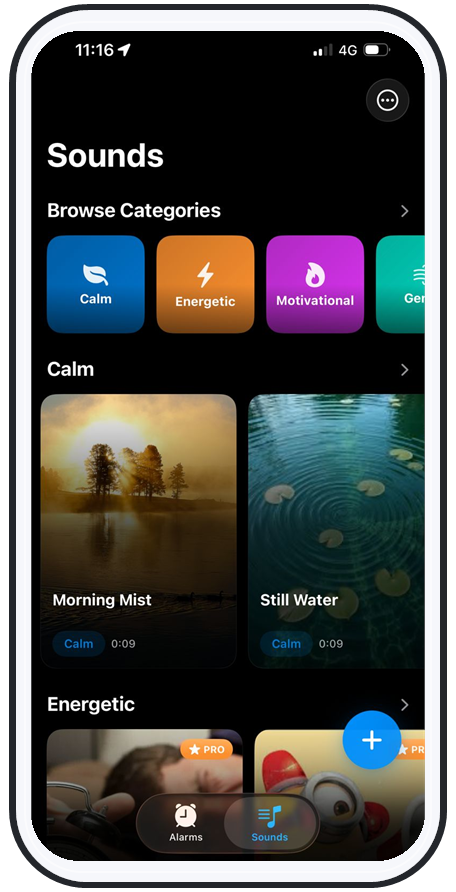
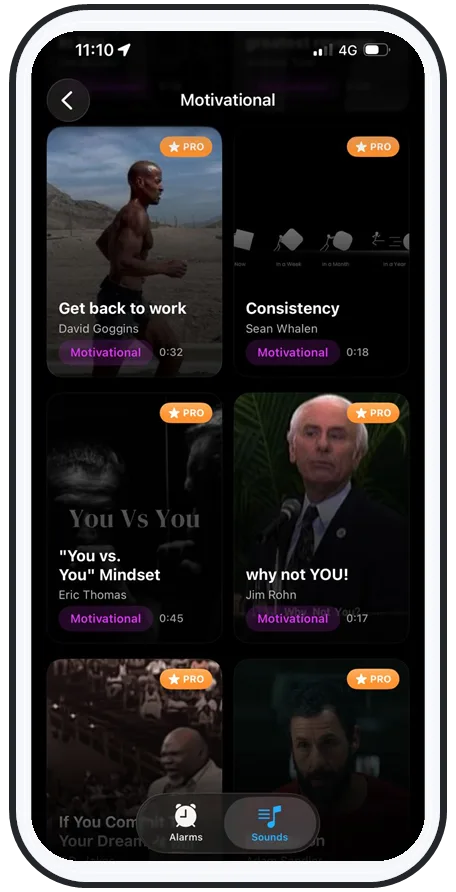
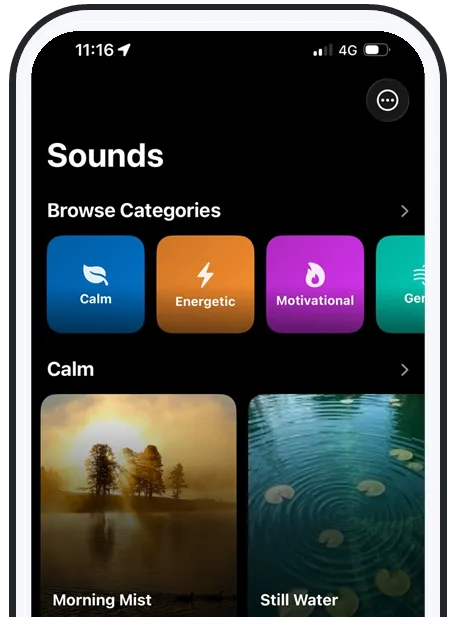
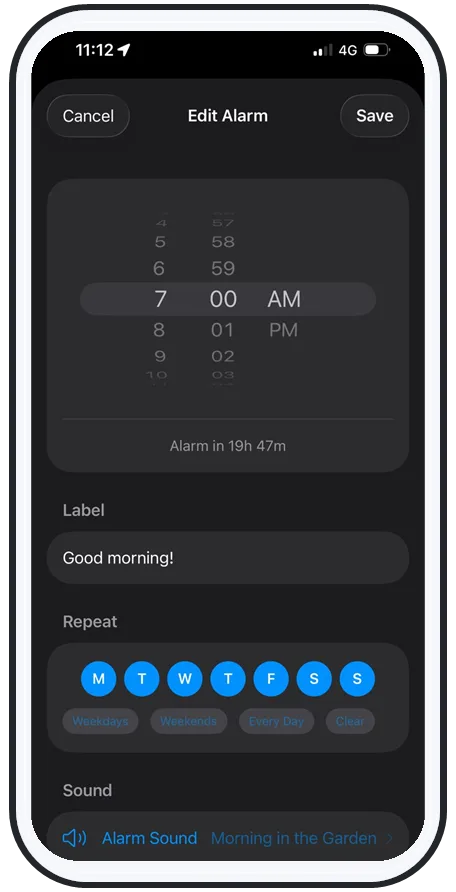
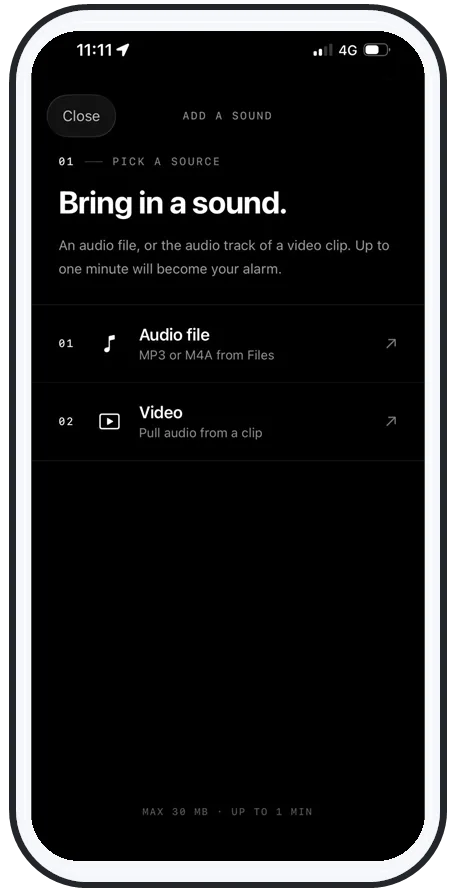
Your primary work alarm needs to be immune to all of that — it should play above system volume and keep ringing on silent, Do Not Disturb, Focus, the lock screen, and with no signal at all. AlarmiFex does this by downloading your sound for offline playback and scheduling through Apple's AlarmKit. If you currently rely on a streaming alarm, read why Spotify alarms fail and what to use instead before you trust one with a shift.
Step 2 · Redundancy
Stagger alarms and put one across the room
Redundancy means no single failure makes you late. Two simple habits do most of the work:
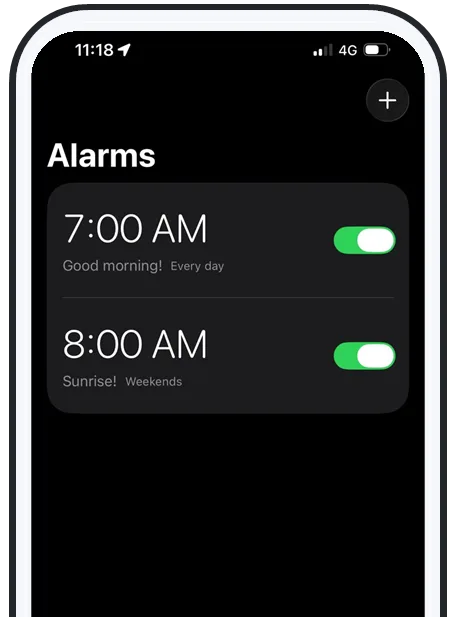
- Stagger two or three alarms a few minutes apart. The first catches you in a light sleep window; the later ones are your safety net if the first lands mid-deep-sleep.
- Put at least one alarm across the room. If you have to stand up to silence it, you break sleep inertia — the groggy autopilot state where you dismiss alarms and never remember it.
For an important early start, add a true backup on a second device (a cheap battery alarm clock, or a tablet) so two independent things have to fail before you oversleep. Where you set the phone down matters too — see where to put your alarm phone at night to actually get out of bed.
Step 3 · Sleep window
Protect your sleep window and prep the night before
No alarm beats actually being rested. Most adults need 7–9 hours, so count back from your shift start and set a firm bedtime — then keep it as close to the same time as your roster allows, even on days off. A consistent window is the single biggest defence against oversleeping, because it shrinks the sleep debt that makes you sleep through everything.
Then remove the friction that turns a slow morning into a late arrival. The night before, lay out clothes, pack your bag, set up coffee, and decide your commute. When prep is done, a groggy start costs you nothing — you can roll out of bed and move. This matters most for rotating rosters, where mornings are brutal and a slow start is the easiest way to end up late.
Swipe to see more
The 5am setup
A copy-this 5am-shift setup
Here's a concrete routine for a 5am start that survives a bad night:
- 9:30pm — wind down; you're aiming for lights-out by 10 to bank ~7 hours.
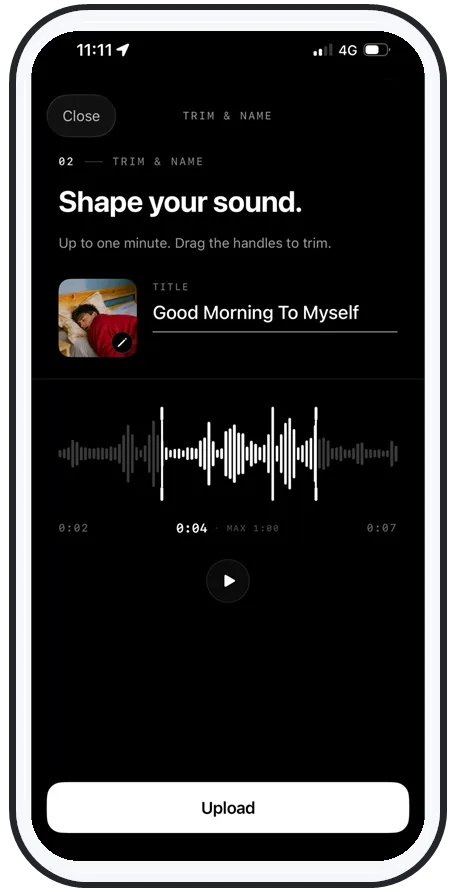
- Primary alarm 4:55am — a song or your own recorded voice, above system volume, downloaded for offline play so it rings even with the router off.
- Backup alarm 5:02am — a different sound on the same phone, placed across the room so you have to stand.
- Safety net 5:05am — a second device or a battery clock, in case the phone dies.
- The night before — test the primary once in airplane mode on silent; if it still rings loud, you're covered.
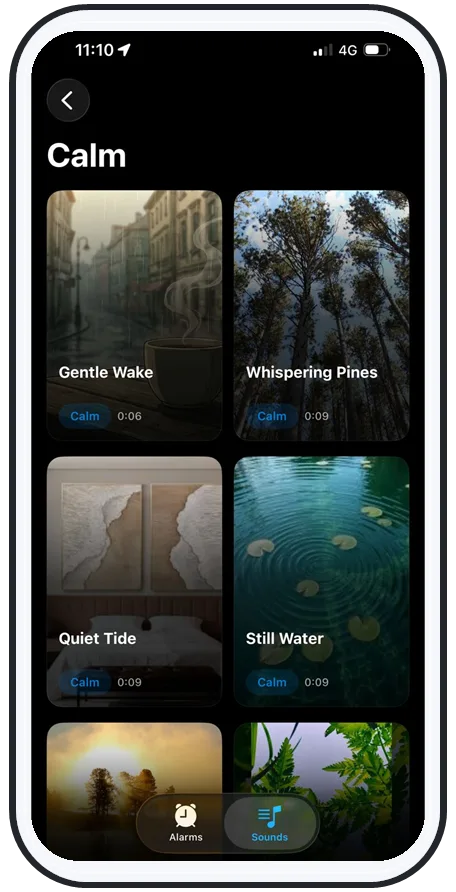
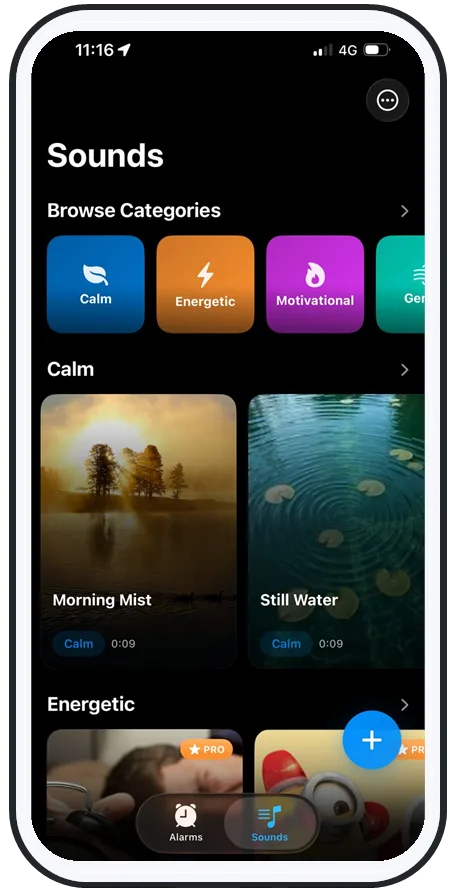
That's exactly how AlarmiFex is built to be used — wake to any song or your own voice, extra loud, even on silent and offline. See how the features work, or grab it on the App Store and set your shift alarm tonight.
Frequently asked questions
How do I stop oversleeping for work?
Make waking up reliable instead of relying on willpower. Set a backup alarm on a second device or an app that rings even on silent and offline; stagger two or three alarms a few minutes apart across the room; keep a consistent sleep window so you're not fighting sleep debt; and prep clothes, bag, and coffee the night before. The biggest single fix is going to bed at the same time every night so you're actually rested.
Why is it so hard to wake up for an early shift?
An early shift forces you to wake before your body clock (chronotype) expects morning, often while you're still in deep sleep, when you're genuinely hard to rouse. Irregular shift times create "social jet lag" so your internal clock never settles, and short turnarounds leave you carrying sleep debt, which makes your brain fight to stay asleep. It's biology, not laziness.
What's the best way to never miss a shift again?
Build in redundancy so no single failure can make you oversleep. Use a primary alarm that plays above system volume and rings on silent, Do Not Disturb, Focus, the lock screen, and offline; add a backup alarm on a second device; place at least one alarm across the room so you have to stand up; and test the setup once in airplane mode on silent the night before an important early start.
Should I use my phone alarm or a separate alarm clock for work?
A phone alarm is fine for work as long as it can't fail silently — it must ring on silent and Do Not Disturb, keep playing offline, and stay loud. The risk is a music or streaming alarm that goes quiet with no signal, or a Focus mode that mutes it. Either use an alarm app built to override those, or keep a cheap battery alarm clock as a backup so two independent devices have to fail before you oversleep.
Try an alarm that actually goes off
AlarmiFex wakes you to any song or your own voice — extra loud, even on silent, even offline.