Best Free Alarm App for Heavy Sleepers in 2026
The short answer
The best free alarm app is the one that matches how you fail
Short answer: the best free alarm app for heavy sleepers is one whose free tier actually fixes your failure mode — a loud, changeable sound if you tune alarms out, or a dismiss-task if you snooze in your sleep. AlarmiFex's free core wakes you to a song or your own voice, plays above system volume, and rings on silent and offline; Alarmy and Wakey offer free challenge alarms. Whatever you pick, run the airplane-mode + silent test first.
"Free" covers a lot of ground in the App Store. Some apps are genuinely usable for life at no cost; others are demos that hide the one feature you actually need behind a paywall. This guide breaks down what free really gets you, gives an honest shortlist with free-tier details, shows you how to test any app before you rely on it, and covers the zero-app workaround that already lives on your iPhone.
Step 1 · Read the fine print
What 'free' actually gets you in an alarm app
Alarm apps tend to be free in one of three ways. Free core, paid extras: the alarm itself works forever and you only pay for nice-to-haves like extra themes or backups. Free trial: everything works for a few days, then the alarm stops or nags until you subscribe. Ad-supported: free but interrupted, which is a bad fit for something you interact with half-asleep.
For a heavy sleeper, the question isn't "is it free?" — it's "is the part that wakes me free?" A free app that caps volume at the system limit, loops one tone, or locks custom sounds behind a subscription won't solve the actual problem. Look for free access to a loud, changeable, reliable alarm — not just a free download.
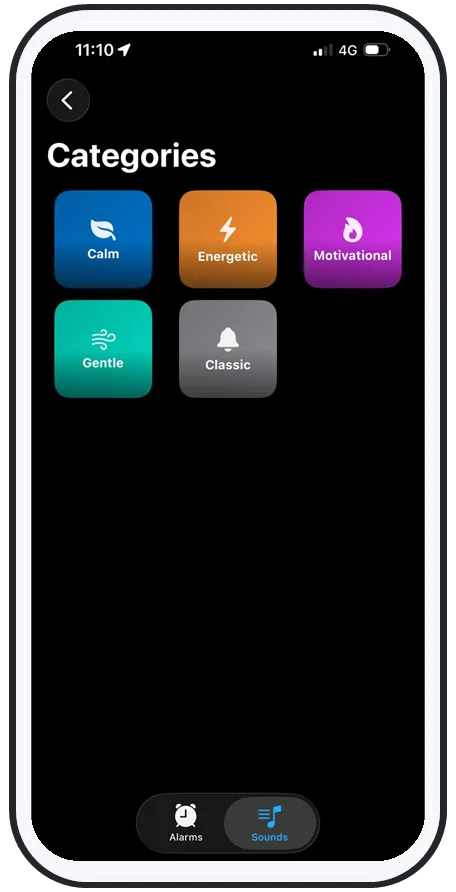
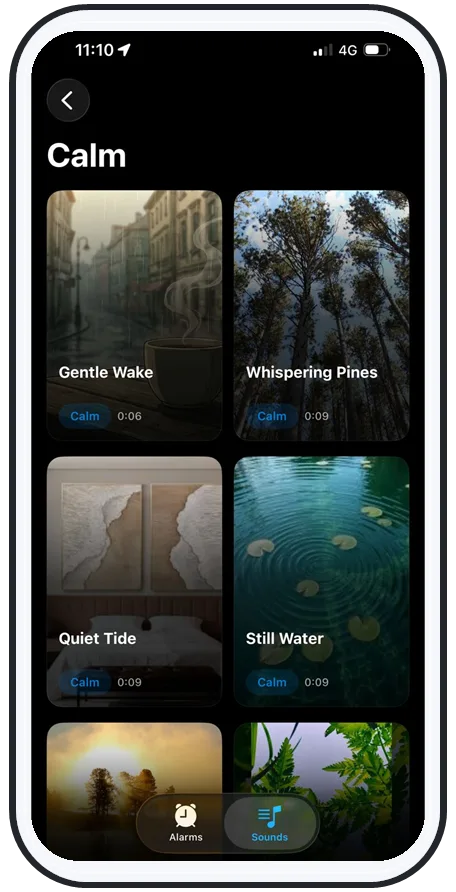
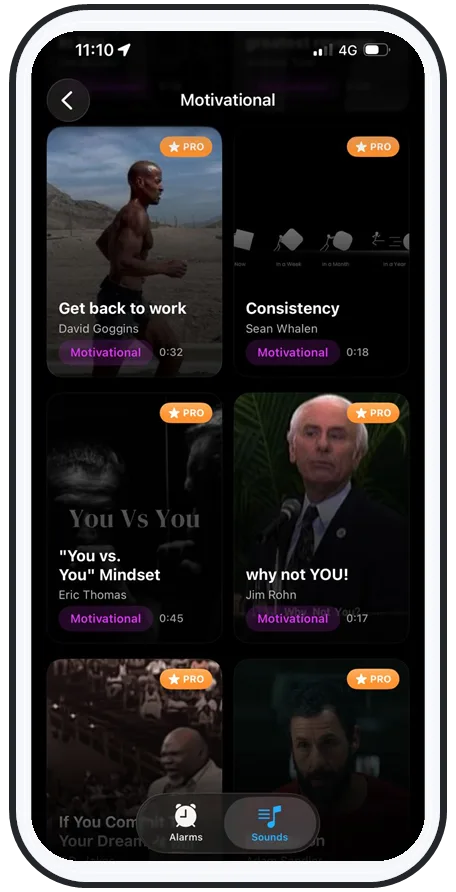
Swipe to see more
Step 2 · The shortlist
Free-tier breakdowns: AlarmiFex, Alarmy, Wakey
Three apps cover the main heavy-sleeper needs without forcing you to pay up front:
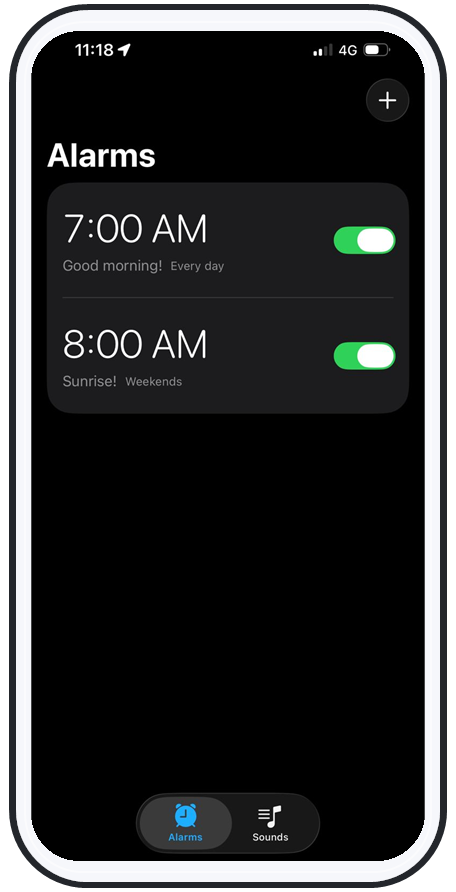
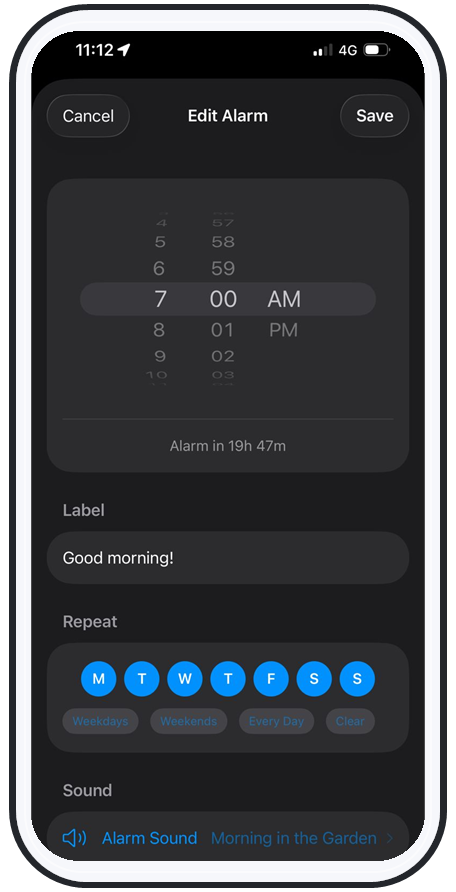
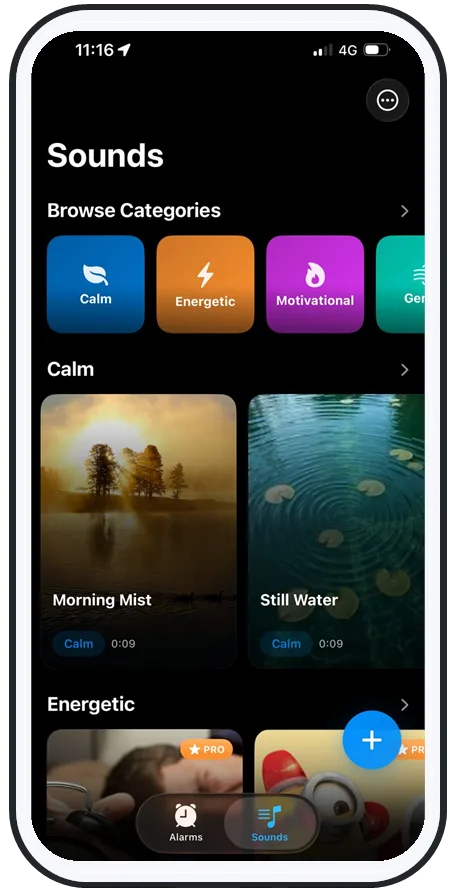
- AlarmiFex (iPhone): the free core wakes you to any song or your own recorded voice, plays above system volume, lets you rotate sounds to beat habituation, and rings on silent, Do Not Disturb, Focus, the lock screen, and offline via Apple AlarmKit. Built specifically for people who sleep through normal alarms.
- Alarmy: known for free mission/task alarms — solve a problem, scan a barcode, or shake the phone to dismiss. Good if your issue is killing the alarm in your sleep.
- Wakey: a free challenge alarm with games and tasks to wake you up. Another solid option for serial snoozers.
To weigh these against each other in depth, see the best alarm apps for heavy sleepers, which maps each app to a specific failure mode.
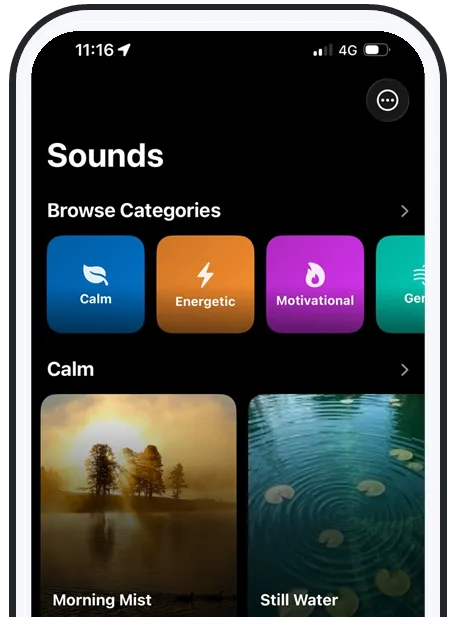
Why volume alone fails
A free loud alarm app needs a changeable sound too
It's tempting to search for a free loud alarm app and stop there. Loudness helps — most free alarms cap at the system volume, so an app that breaks above that ceiling is a real upgrade for a deep sleeper. But volume is only half the battle.
If you hear the same loud tone every morning, your brain habituates to it within a week or two and stops triggering a full wake-up, even at full blast. That's why a free app that lets you rotate sounds — or wake to a different song each week — beats one that's merely loud. For more on this, read the best alarm sound for heavy sleepers.
Step 3 · Test before you trust
The one-minute airplane-mode + silent test
Before any free alarm app earns a real morning, prove it can't fail silently. Free music and streaming alarms have a notorious failure mode: they go quiet with no connection, or when the phone is on silent or Do Not Disturb, or they fall back to a tone that never actually loads.
Run this test the same day you install: put the phone in airplane mode, flip the ringer switch to silent, set an alarm for two minutes out, lock the screen, and wait. If it rings loudly with no signal and on silent, it'll survive a real night. If it doesn't, that app is leaning on your connection or ringer and will eventually let you oversleep — see how to make your iPhone alarm go off on silent for the why.
Step 4 · The zero-app fallback
The free stock Clock workaround
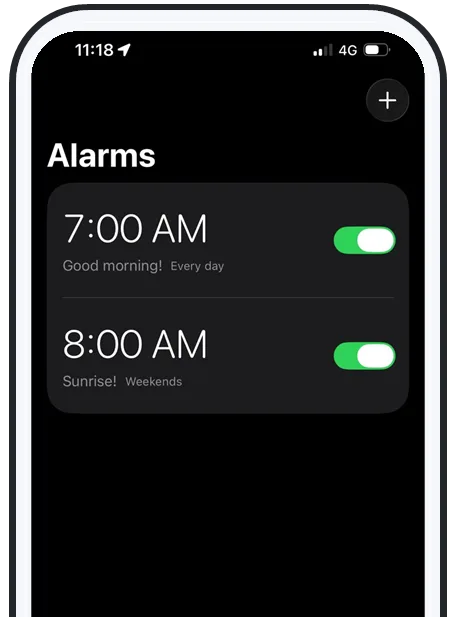
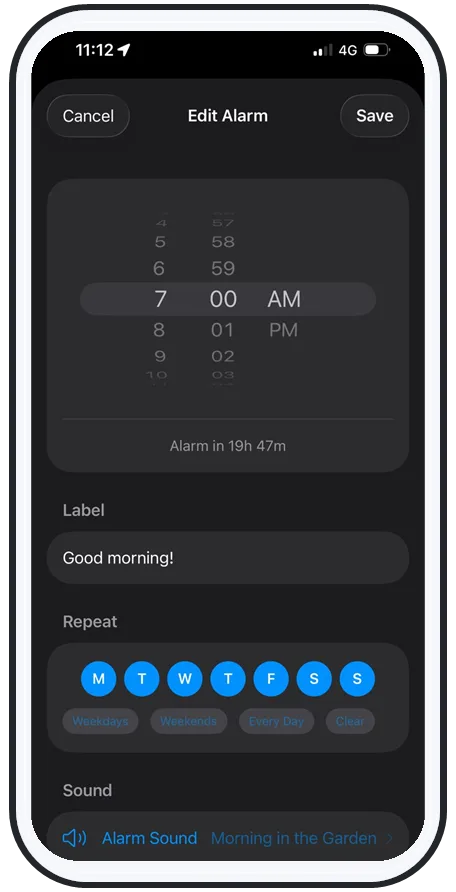
If you don't want to install anything, the iPhone's built-in Clock app is genuinely free and rings on silent, Do Not Disturb, and Focus because it uses Apple's system-level AlarmKit. It won't go above system volume or play your own songs, but you can stack the deck:
- Stagger several alarms a few minutes apart so you can't silence your way back to sleep in one tap.
- Put the phone across the room so you have to stand up to turn it off — friction beats willpower at 6am.
- Rotate the alarm tone every week or two so your brain doesn't tune it out.
When the stock Clock isn't enough, AlarmiFex's free tier adds the missing pieces — above-system volume, your own songs and voice, and sound rotation. See how the features work, or grab it free on the App Store.
Frequently asked questions
What is the best free alarm app for heavy sleepers?
There's no single winner, because heavy sleepers fail for different reasons. If you sleep through quiet, repetitive tones, you want an app whose free tier lets you wake to a song or your own voice and play above the system volume — that's AlarmiFex's free core. If you dismiss alarms in your sleep, a free challenge alarm like Wakey (or Alarmy's free mission alarms) forces you to do a task to stop it. Test any free app once in airplane mode on silent before you trust it for an important morning.
Are free alarm apps loud enough for heavy sleepers?
Most free alarm apps cap out at your phone's system volume, which is often not enough for a deep sleeper. A few apps can push the alarm above the system volume ceiling — AlarmiFex does this on its free tier — so the alarm is genuinely louder than your ringer. Loudness alone isn't the whole fix, though: if you hear the same sound every day your brain habituates to it, so a free app that also lets you rotate sounds matters as much as raw volume.
Do I have to pay to get an alarm that rings on silent or Do Not Disturb?
No. The stock iPhone Clock alarm already rings on silent and through Do Not Disturb and Focus, because Apple routes alarms through its system-level AlarmKit. AlarmiFex uses the same AlarmKit on its free tier, so its alarms also fire on silent, on Focus, on the lock screen, and even offline with downloaded sounds. The catch is third-party music and streaming alarms that don't use AlarmKit — those can fall silent on Do Not Disturb or when there's no connection.
What should I test before trusting a free alarm app?
Run a one-minute airplane-mode + silent test. Put the phone in airplane mode, switch the ringer to silent, set an alarm for two minutes out, and lock the screen. If it rings loudly with no connection and the switch on silent, it will survive a real night. If it goes quiet, that app relies on a connection or your ringer setting and will eventually fail you on a morning that matters. Do this test the same day you install any free alarm app.
Try an alarm that actually goes off
AlarmiFex wakes you to any song or your own voice — extra loud, even on silent, even offline.