How to Wake Up a Heavy Sleeper: 9 Methods That Actually Work
The short answer
How to wake up a heavy sleeper, fast
Short answer: to wake a heavy sleeper, stack three things at once — an alarm that's louder than the phone's normal volume, a sound that changes so the brain can't tune it out, and physical friction (phone across the room, a dismiss task, or staggered alarms) that forces them to actually stand up. No single trick reliably works; the combination does.
If you've tried three alarms, a phone across the room, and an early bedtime and a heavy sleeper still doesn't move, the issue isn't willpower. It's how a deep-sleeping brain handles sound. Below are nine methods that genuinely work — and a step-by-step way to combine the best of them into one setup.
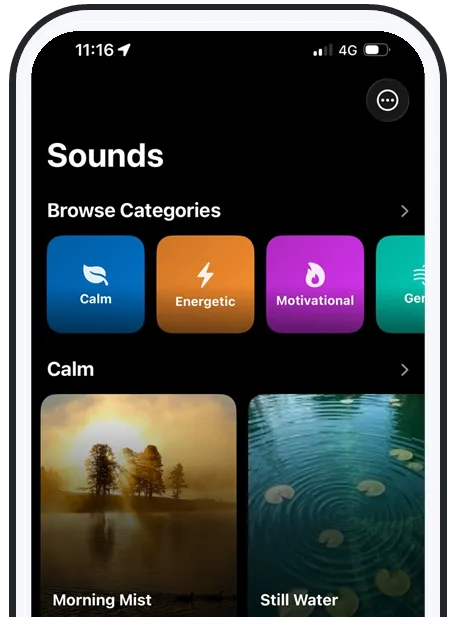
First, why it happens
Why a heavy sleeper is so hard to wake
Three forces work against you. During deep (N3) sleep the brain's auditory arousal threshold is at its highest, so it can take a much louder sound to surface. The brain also habituates: hear the same tone every morning and within a week or two it gets filed as "not a threat" and stops triggering a wake-up. And sleep debt makes the body fight to stay asleep to recover.
That's why an alarm that worked last month suddenly seems to do nothing — and why sleeping through your alarm is so common. Each of the methods below attacks one of these forces.
Methods 1–3
Louder, fresher, and out of arm’s reach
- Use a louder-than-system alarm. Deep sleep needs more volume to break through. An app that plays above the phone's normal ceiling clears that bar where a capped ringtone can't.
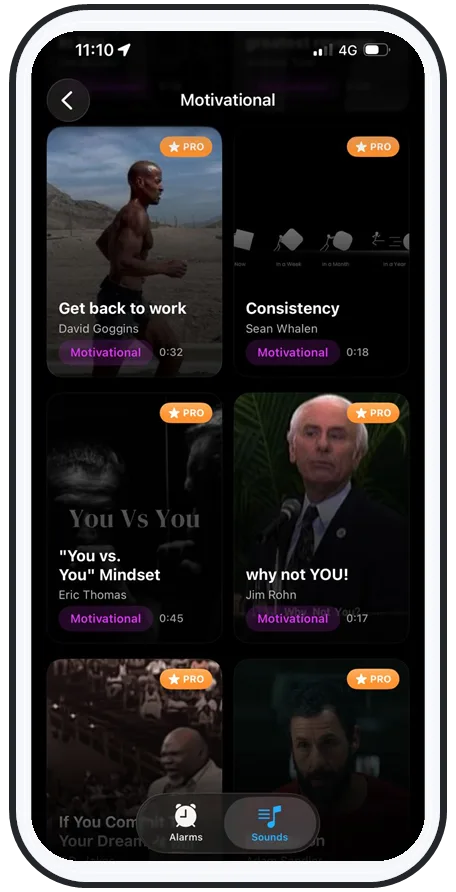
- Pick a novel, rotating sound. Novelty beats the habituation problem. Swap the sound every week or so and the sleeping brain keeps reacting to it.
- Put the phone across the room. The half-asleep snooze tap is the silent killer. If reaching the alarm means standing up, you're already half awake.
Methods 4–6
Make them move, and make it personal
- Require an out-of-bed task to dismiss. An alarm that won't stop until you complete a small task forces your decision-making brain back online — no autopilot snooze.
- Let in morning light. Opening a curtain or hitting a bright light suppresses melatonin and cuts grogginess fast — one of the most reliable natural wake cues.
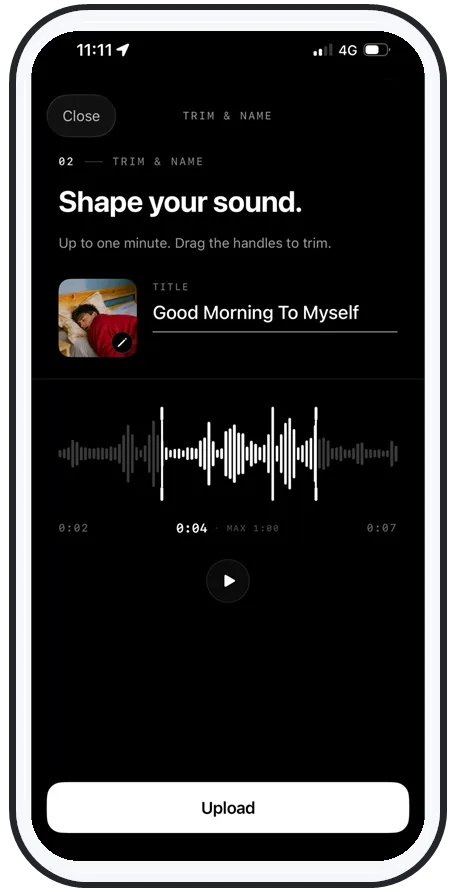
- Wake to your own voice. A familiar, meaningful sound is processed differently than a generic tone. Record "GET UP — you have a shift at six," trim it, and make it the alarm.
Methods 7–9
Stagger, recruit help, and choose the right sound
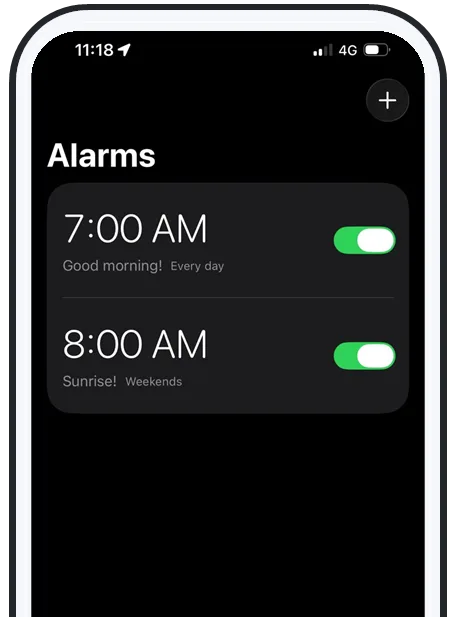
- Stagger your alarms. Two or three alarms a few minutes apart mean one autopilot dismissal can't send them straight back to sleep — the next one lands during a lighter moment.
- Use a partner or roommate well. A firm verbal cue plus turning on the light works better than shaking, which can deepen sleep inertia. Don't be the one who silences their alarm.
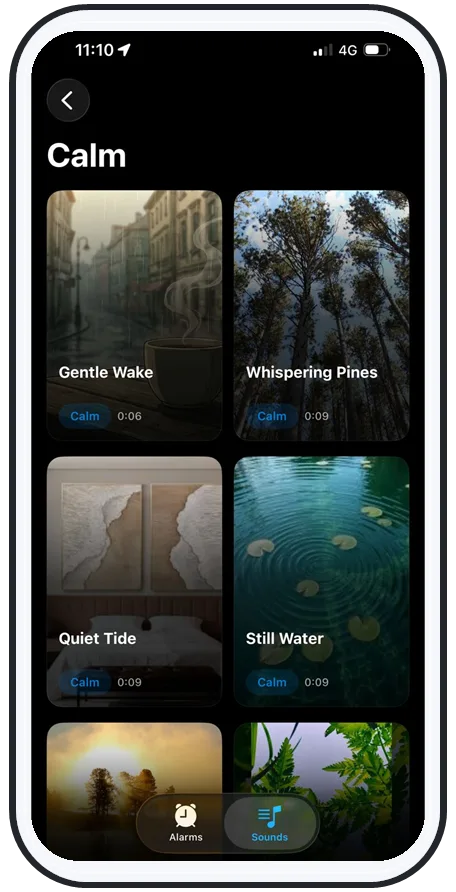
- Choose the right sound. Rising, rhythmic, or melodic sounds tend to rouse better than a flat buzz — more in the best alarm sound for heavy sleepers.
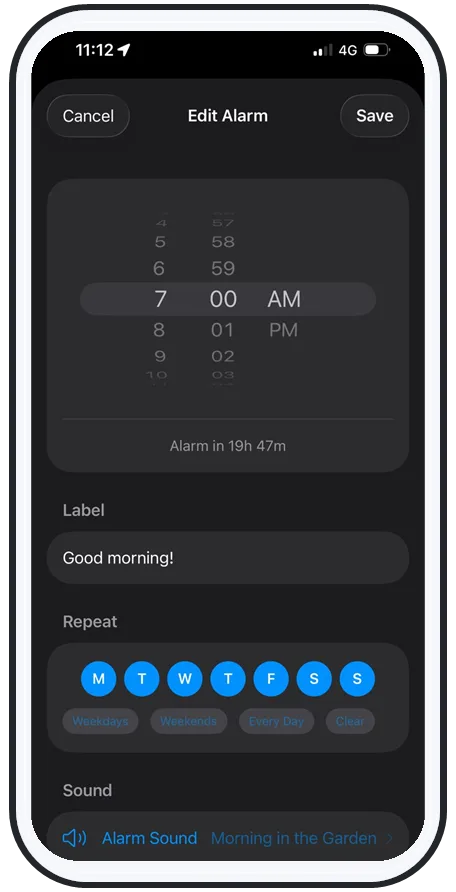
Swipe to see more
Put it together
A step-by-step setup that combines the best methods
You don't need all nine. Stack the three that do the heavy lifting and add light:
- Set a loud, above-system-volume alarm so deep sleep can't muffle it.
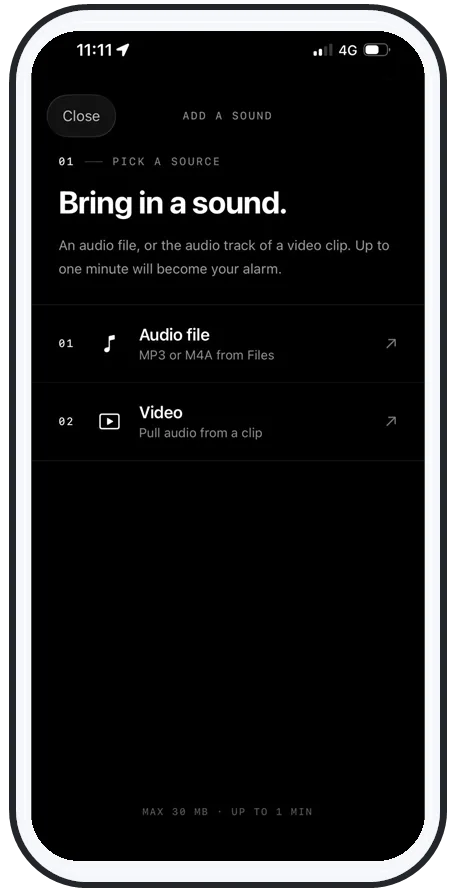
- Choose a song or your own voice, and rotate it so your brain never habituates.
- Move the phone across the room and add a dismiss task or staggered alarms.
- Open a curtain or hit a bright light the second you're standing.
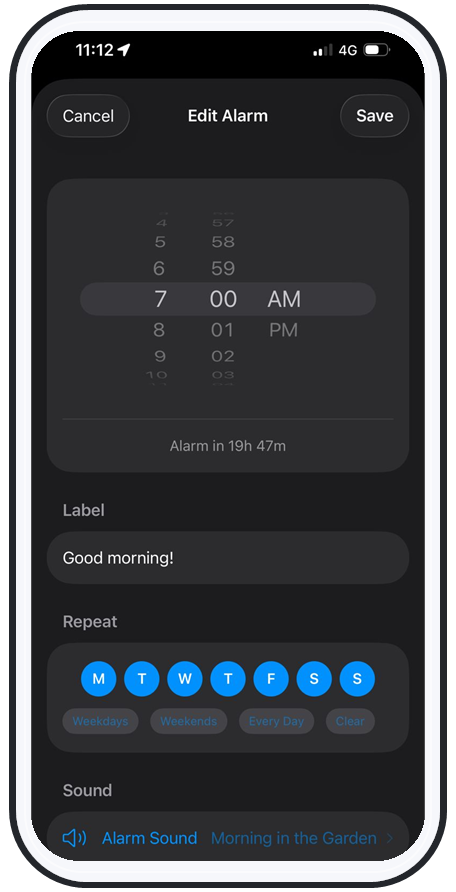
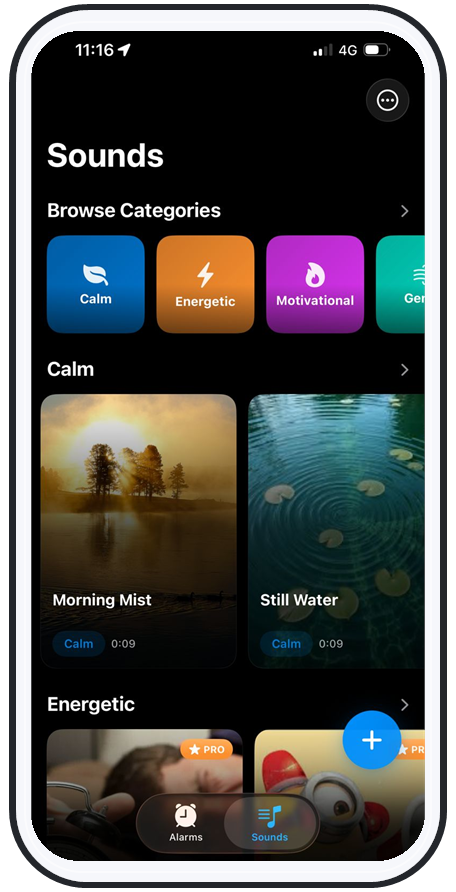
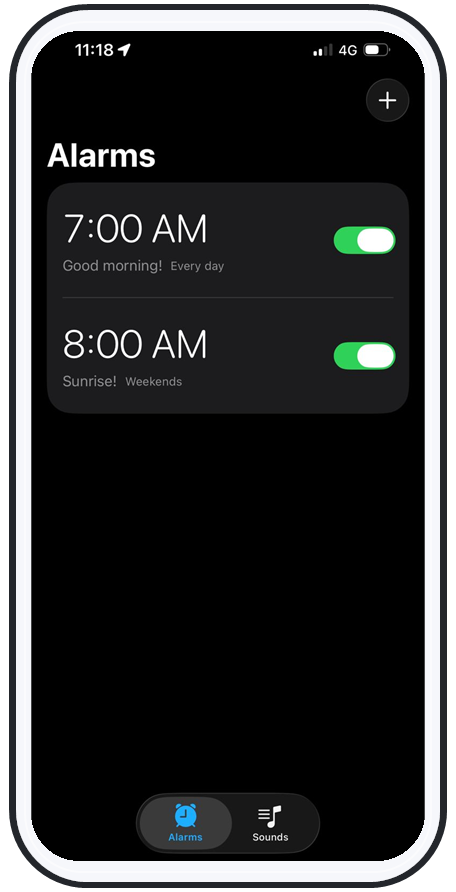
That's exactly how AlarmiFex is built — loud, personal, and reliable on silent, Focus, the lock screen, and even offline via Apple's AlarmKit. For the wider field, compare the best alarm apps for heavy sleepers, or see how the features work and get it on the App Store.
Frequently asked questions
What is the best way to wake up a heavy sleeper?
Combine three things: a loud alarm that plays above the phone's normal volume, a sound that changes often so the brain can't tune it out, and friction that forces the sleeper to physically get up — phone across the room or an alarm that needs a task to dismiss. No single trick reliably wakes a deep sleeper; stacking loudness, novelty, and movement does.
How do you wake up a heavy sleeper who won't get up?
Remove the autopilot snooze. Put the phone or speaker across the room so they have to stand up, use staggered alarms a few minutes apart, and open a curtain or turn on a bright light — morning light is one of the fastest natural ways to cut grogginess. If a partner or roommate is waking them, a firm verbal cue plus light works better than shaking, which can deepen sleep inertia.
Why is it so hard to wake a heavy sleeper?
During deep (N3) sleep the brain's arousal threshold is at its highest, so it takes far more sound to wake. The brain also habituates to a repeated alarm tone within a week or two and stops treating it as important, and sleep debt makes the body fight to stay asleep. That's why the same alarm that worked last month suddenly seems to do nothing.
Does waking up to your own voice help heavy sleepers?
It can. A familiar, personally meaningful sound — your own recorded voice or a specific song — is processed differently by the sleeping brain than a generic tone, and it's far less prone to habituation because you can change it. AlarmiFex lets you record and trim your own voice as the alarm, so "GET UP, you have a shift at six" is the first thing you hear.
Try an alarm that actually goes off
AlarmiFex wakes you to any song or your own voice — extra loud, even on silent, even offline.