Spotify Alarm Not Going Off? Why It Fails and What to Use Instead
The short answer
Your Spotify alarm depends on too many things going right
Short answer: a Spotify alarm fails because it depends on streaming and a third-party app staying alive overnight. If the connection drops, iOS kills the app in the background, silent mode or Focus mutes the music, or the app falls back to a tone that never loads — you wake to a silent phone. A music alarm that stores the sound offline and rings through Apple's alarm system simply can't fail those ways.
You set a song to wake you, went to sleep confident, and woke up late to a silent phone with the alarm still showing on screen. It's one of the most common complaints about music alarms — and it's almost never your fault. Here are the four ways a Spotify-plus-Clock setup quietly breaks, how to patch each one, and why an offline-downloaded alarm closes the gap for good.
Failure 1 & 2 · Streaming + background
No connection, or iOS quietly killed the app
No or poor connection. Spotify streams the track in real time. If your Wi-Fi drops, your router reboots overnight, or you're somewhere with weak signal, there's nothing to play — the alarm fires but the music never arrives. Offline-only Spotify Premium downloads help, but only if the exact song is downloaded and the app is allowed to reach it at wake time.
App backgrounded or killed. iOS aggressively suspends and sometimes terminates background apps to save battery and memory. If Spotify got swiped away, crashed, or was evicted hours before your alarm, the alarm app may try to "hand off" playback to an app that isn't running — and nothing plays. This is the single most common reason a music alarm that worked yesterday fails the one morning you needed it.
Failure 3 & 4 · Focus + silent fallback
Muted by Focus, or a fallback tone that never rings
Silent mode / Do Not Disturb / Focus. The iPhone's own Clock alarm is built to ring through the silent switch and Do Not Disturb. Music played by a third-party app is treated as ordinary media, so the silent switch, a Focus schedule, or a volume that crept down to zero can mute it. You can read the full nuance in does the alarm go off on Do Not Disturb.
The fallback tone that never loads. Many Spotify-alarm setups promise "if the song can't play, a backup tone will." In practice that fallback often fails too — the app is suspended, so neither the song nor the backup actually sounds. You get the alarm screen with total silence. It's the worst failure because everything looks like it worked.
Patch the combo
Make a Spotify-plus-Clock alarm as reliable as it can be
If you want to keep the streaming setup, stack these defences:
- Download the song in Spotify Premium and enable offline mode, so a dropped connection can't blank it.
- Don't swipe Spotify away before bed — leave it open in the background so iOS is less likely to evict it.
- Turn off the silent switch and exclude your alarm from any Sleep or Do Not Disturb Focus, or allow time-sensitive audio.
- Turn the volume up manually and keep a stock Clock alarm as a backup that rings on silent so a silent fallback can't leave you fully uncovered.
- Test it once in airplane mode with the phone on silent — if it plays, you've covered the big three.
This shrinks the risk, but it doesn't remove it: you're still betting on a third-party app surviving the night. For a 6am shift, that's a lot of moving parts.
Swipe to see more
The reliable fix
Why an offline music alarm can't fail that way
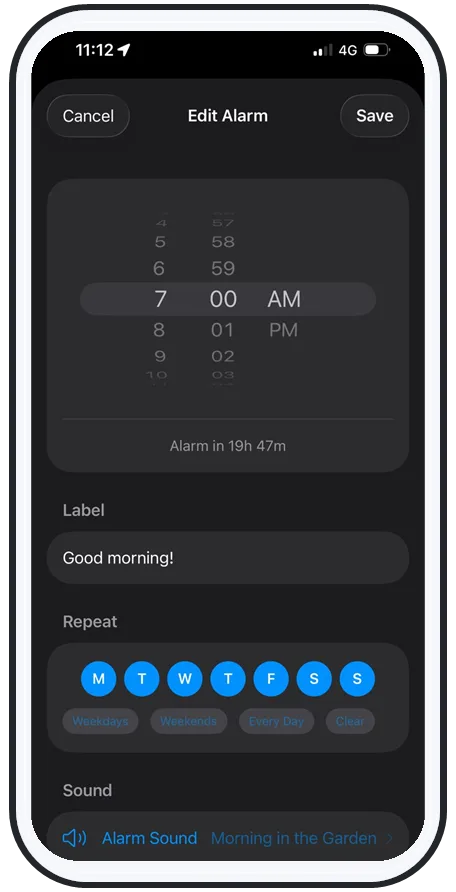
Every Spotify failure traces back to two assumptions: that the internet is up, and that a third-party app is awake. Remove both and the failures disappear. That's how AlarmiFex is built:
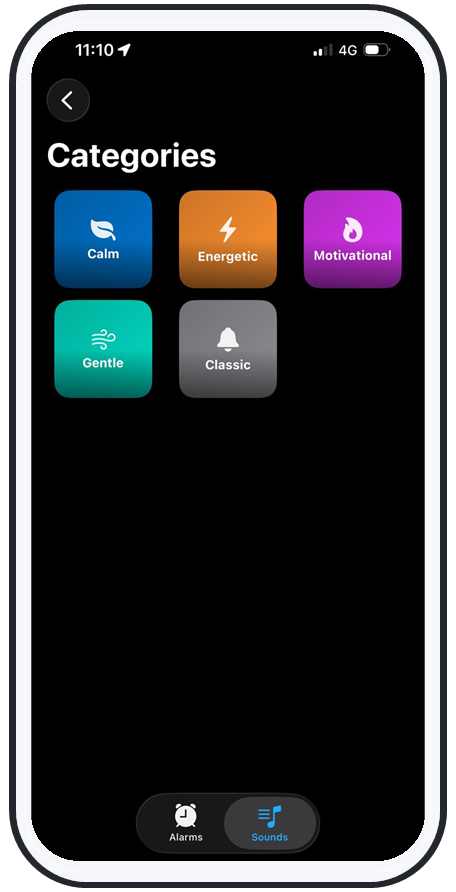
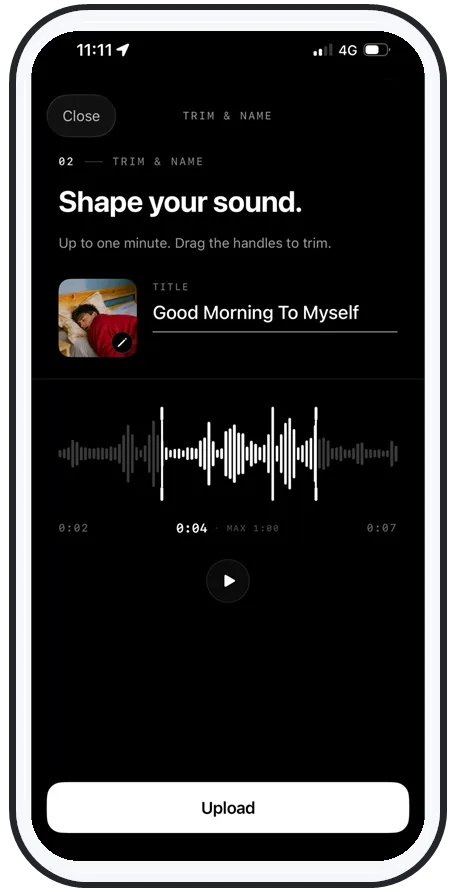
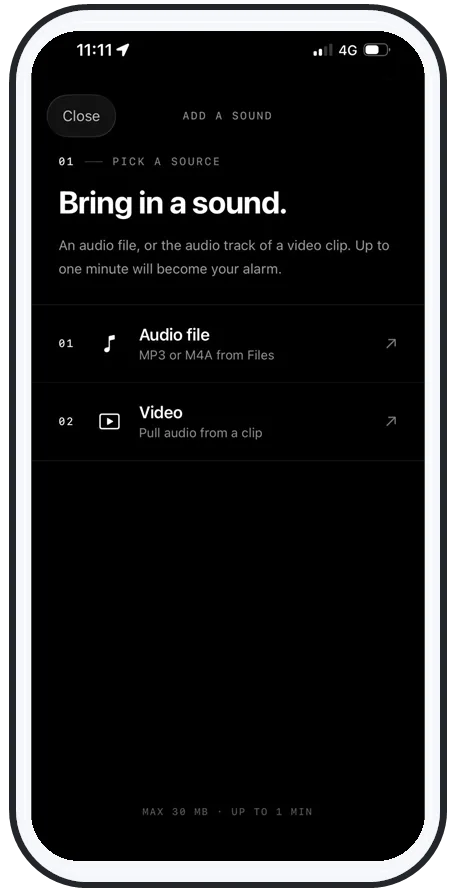
- Offline by default: your chosen song or your own recorded voice is downloaded to the phone, so there's nothing to stream and nothing to drop.
- Rings through everything: it schedules with Apple's AlarmKit, so it sounds on silent, on Do Not Disturb, on Focus, on the lock screen — and with no signal at all.
- Loud enough to matter: it plays above the normal system volume ceiling, built for heavy sleepers, not background music.
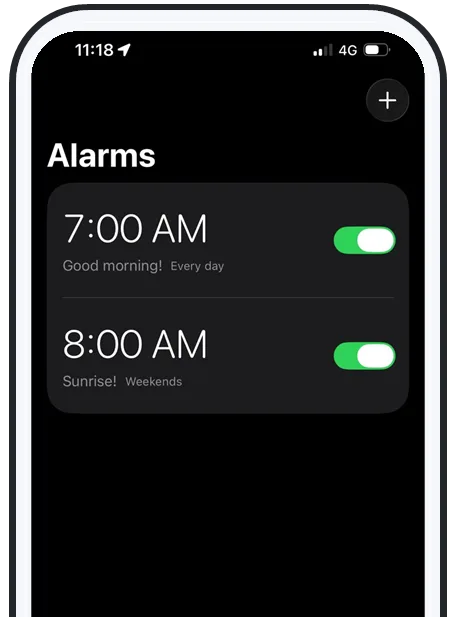
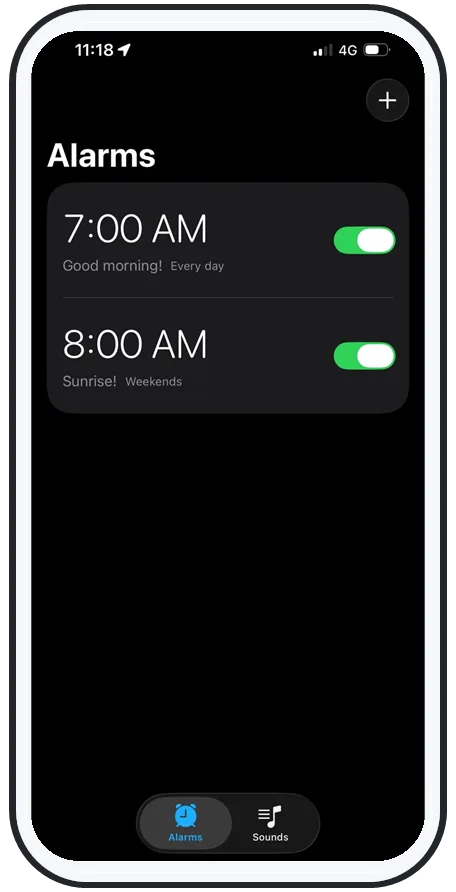
No backgrounded app, no buffering, no silent fallback. See how the features work, or get it on the App Store.
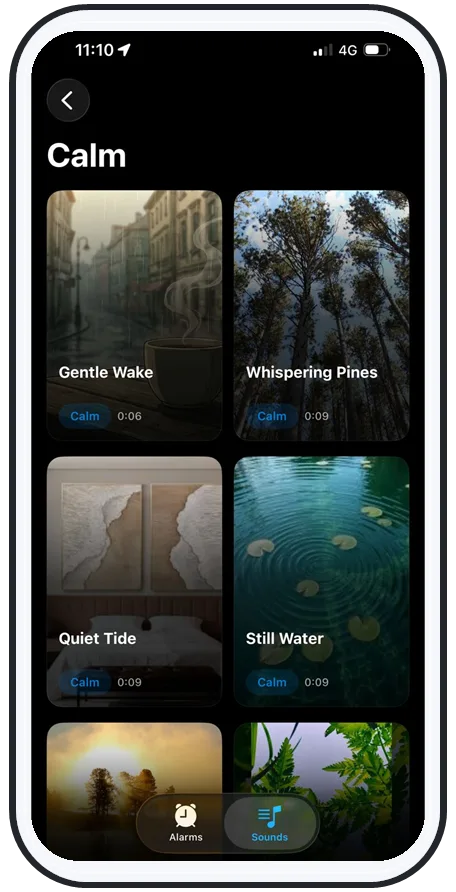
If music alarms keep failing you
You can keep the music — just lose the streaming
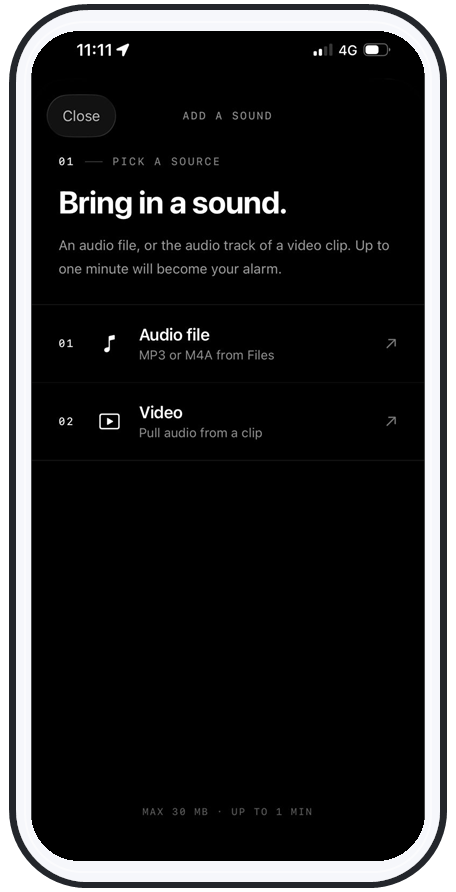
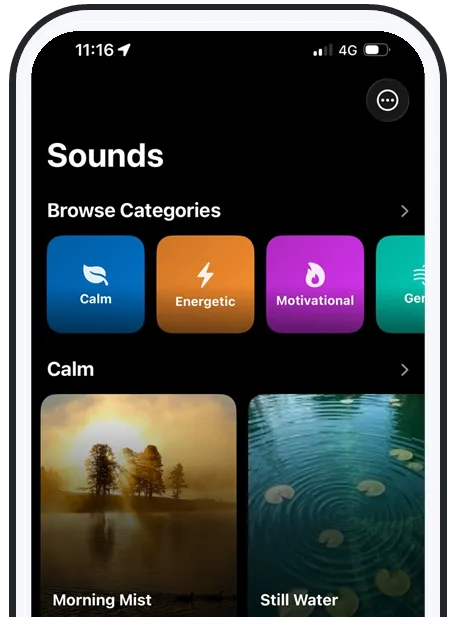
The appeal of a Spotify alarm is real: waking to a song you love beats a generic beep every time. You don't have to give that up — you just have to stop depending on a live stream to deliver it. A downloaded song, or even your own recorded voice, gives you the personal wake-up without the failure modes.
If you're a heavy sleeper who's been burned by music alarms before, the deeper roundup in the best alarm apps for heavy sleepers walks through what actually wakes you and how to pick a setup that won't leave you sleeping past your alarm again.
Frequently asked questions
Why is my Spotify alarm not going off?
A Spotify alarm usually fails for one of four reasons: there's no internet connection overnight so the track can't stream, the Spotify app got backgrounded or killed by iOS so it never starts playback, silent mode or Do Not Disturb / Focus mutes the music, or the alarm app falls back to a "default tone" that never actually loads. Because Spotify alarms depend on streaming and a third-party app staying alive in the background, they have far more ways to fail silently than a normal iPhone alarm. The reliable fix is a music alarm that downloads the sound for offline playback and schedules through Apple's alarm system.
Why does my Spotify alarm play but there's no sound?
This is the classic "silent fallback" failure. The alarm app fires on schedule and Spotify appears to start, but the track never buffers — usually because the connection dropped, the song was removed or made unavailable in your region, or playback got handed to a device that isn't your phone (a speaker, a car, or a paused session). You wake to a silent phone with the alarm screen showing. The cure is a downloaded, offline sound that doesn't depend on streaming at all.
Does a Spotify alarm work on silent or Do Not Disturb?
Often not reliably. The iPhone's built-in Clock alarm is designed to ring through the silent switch and Do Not Disturb, but music played by a third-party app like Spotify is treated as regular media audio — so the silent switch, a stuck volume, or a Focus mode can mute it. AlarmiFex avoids this because it schedules through Apple's AlarmKit, so it rings on silent, on Do Not Disturb, and on Focus the way the stock alarm does.
What should I use instead of a Spotify alarm?
Use a dedicated alarm app that lets you wake to a song or your own voice but stores the sound offline so streaming can never break it. AlarmiFex downloads your chosen sound for offline playback, plays above the system volume, and schedules through Apple's AlarmKit so it rings on silent, on Do Not Disturb, on Focus, on the lock screen, and with no signal at all — none of the failure modes that stop a Spotify alarm apply.
Try an alarm that actually goes off
AlarmiFex wakes you to any song or your own voice — extra loud, even on silent, even offline.