Alarm That Rings on Silent iPhone: It Already Does — Here's the Catch
The short answer
Yes — your iPhone alarm already rings on silent
Short answer: an alarm that rings on silent on iPhone is the default. The mute switch and volume buttons only control ringtones and notifications — they're deliberately ignored by the Clock alarm, so it goes off on silent, on Do Not Disturb, and on a locked screen. The catch: this only holds for real alarms, not for music or streaming "alarms" that can quietly fail.
Type "does alarm go off on silent" into any search bar and you'll find thousands of people who got burned once and never trusted their phone again. The good news is that Apple designed alarms to break through silent mode on purpose. The bad news is that a handful of settings — and a whole category of third-party apps — can still leave you sleeping. Here's exactly how it works, where it breaks, and a 30-second test to prove yours is safe.
How it works
The mute switch and volume buttons don’t touch the alarm
On iPhone there are two separate volume worlds. One is for ringtones and notifications — that's what the silent/ring switch on the side mutes. The other is for alarms and timers, which Apple keeps on a separate channel so a muted phone never costs you your wake-up. Flip the switch to silent and the stock Clock alarm still rings at full volume.
There is one slider that does matter: Settings → Sounds & Haptics → Ringtone and Alerts. On most iPhones this sets the alarm's volume too, so if it's dragged near zero your alarm can be faint. The side buttons don't change it once an alarm is sounding — but a low slider set the night before will. That's the first thing to check if "will my alarm go off on silent" is keeping you up.
The catch
Where it actually breaks for people
If the stock alarm is so reliable on silent, why do people still oversleep? Two reasons. First, a low alarm-volume slider or a paused Focus configuration can leave a true alarm quieter than expected. Second — and this is the big one — music and streaming "alarms" aren't alarms at all. They're scheduled audio sessions, and silent mode offers them no special protection.
A Spotify or playlist alarm needs a live connection and an active app session. If the phone drops signal overnight, the app gets killed by iOS, or the track fails to load, it plays nothing — and you wake up late to a silent phone. We dug into exactly why in why your Spotify alarm isn't going off. Focus and Do Not Disturb are a separate worry; the reassuring details are in does the alarm go off on Do Not Disturb.
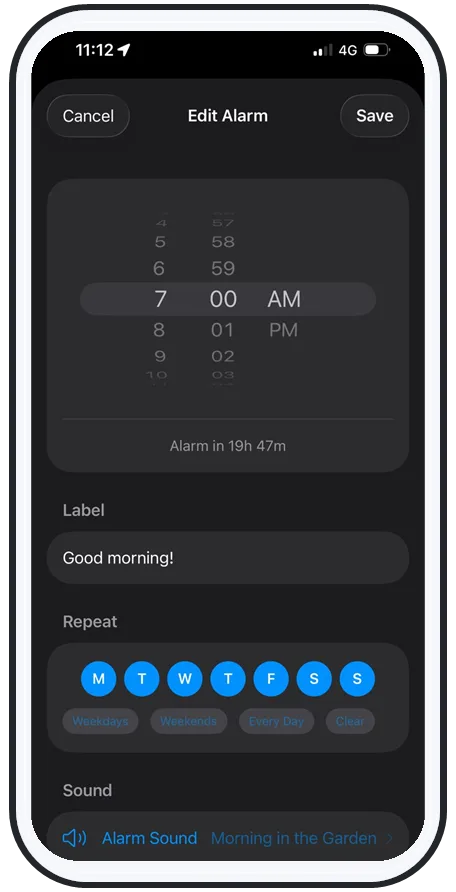
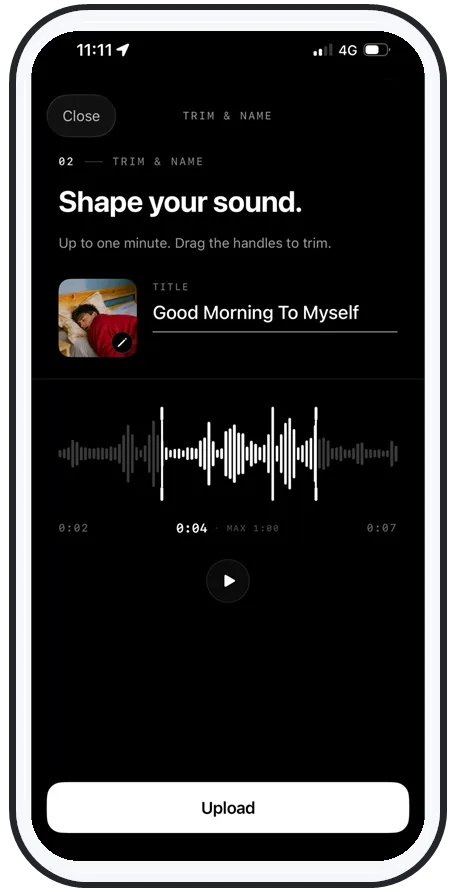
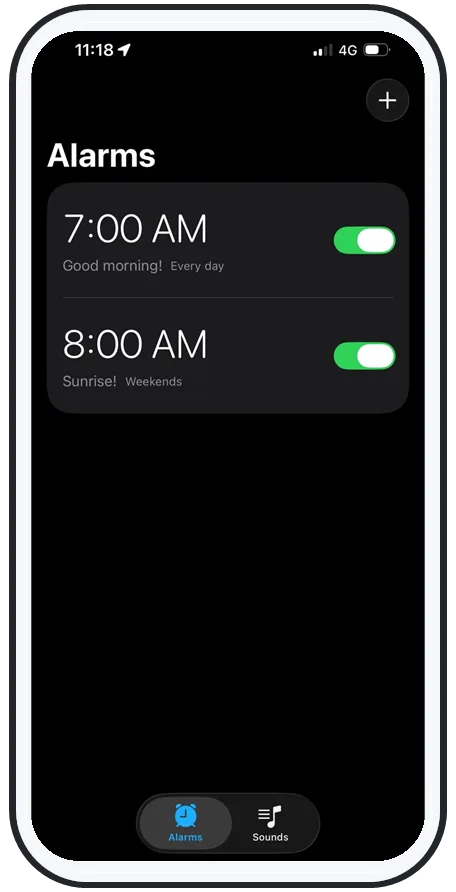
Swipe to see more
The fix
How AlarmKit + offline sounds guarantee a ring
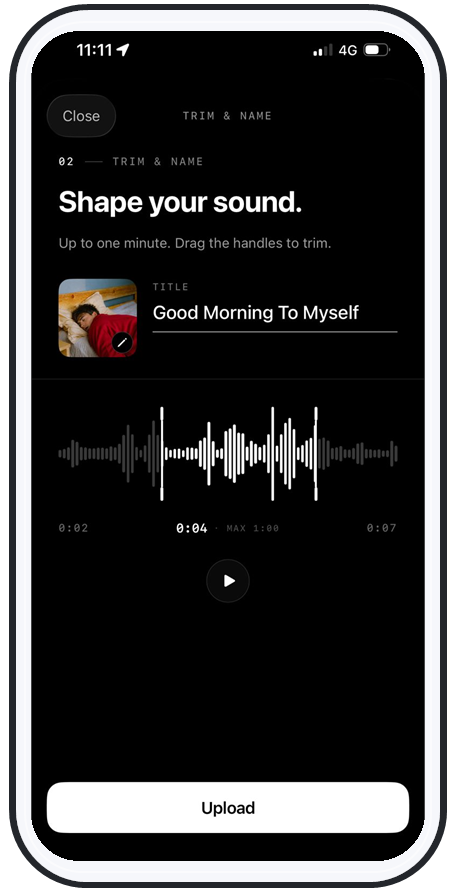
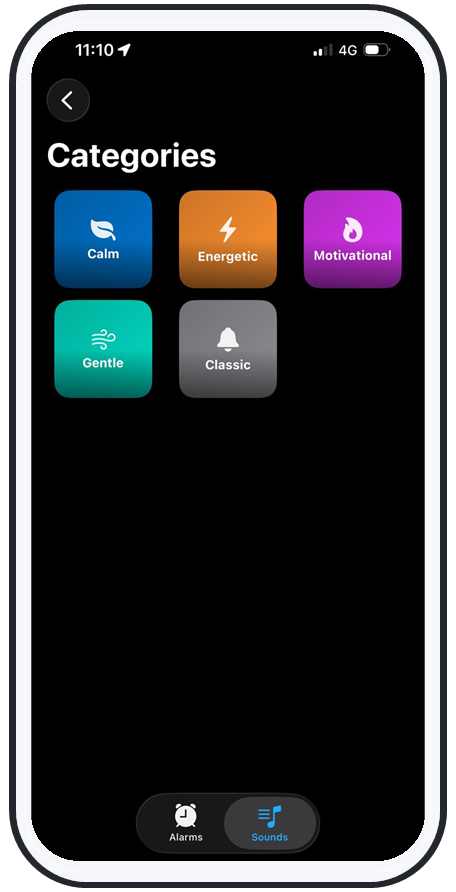
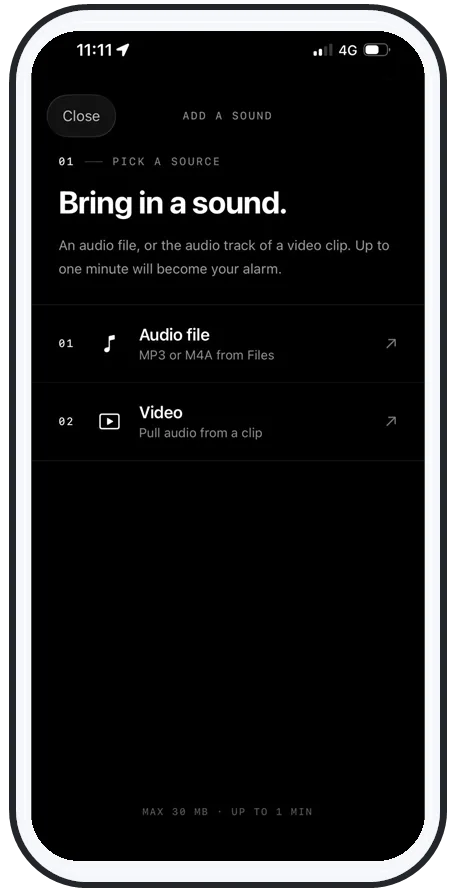
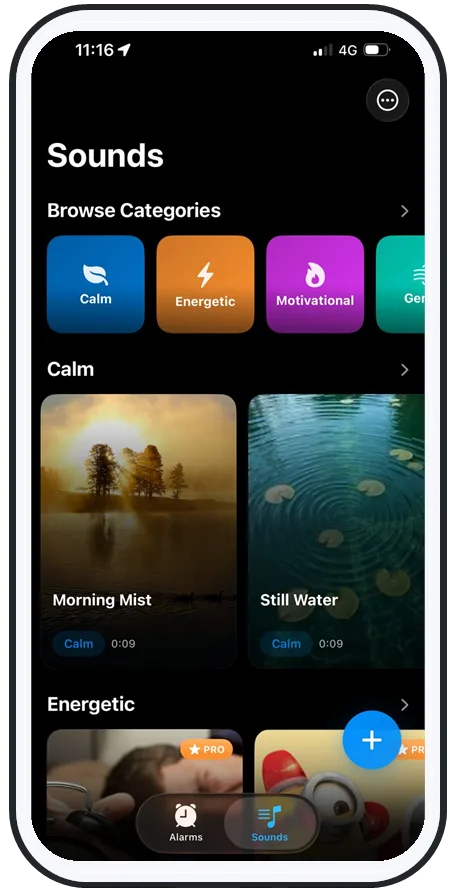
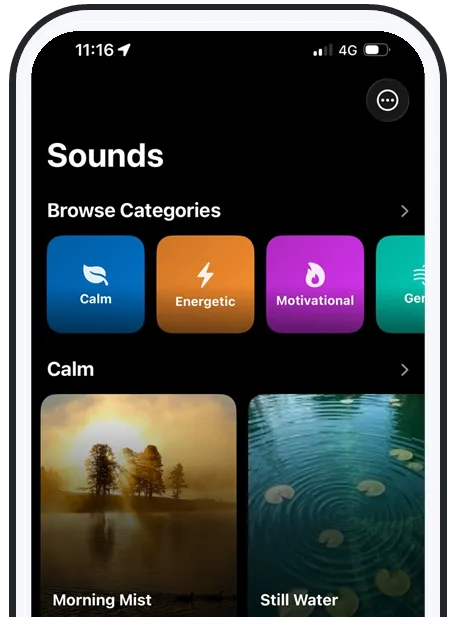
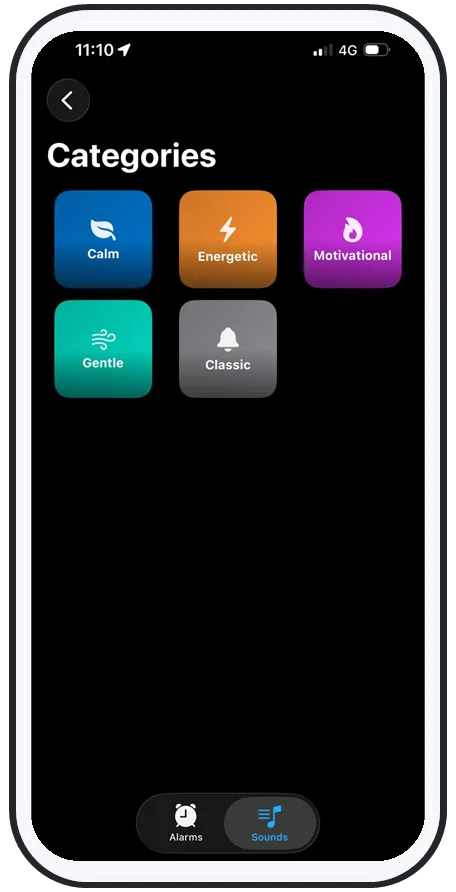
The way to get a music alarm that's as bulletproof as the stock one is to ride the same system the stock one uses: Apple's AlarmKit. AlarmiFex schedules every alarm through AlarmKit, so it inherits the alarm channel that ignores silent mode, Do Not Disturb, Focus, and the lock screen — but rings your own song or recorded voice instead of a default tone.
- Offline by design: sounds download to the phone, so the alarm never waits on a connection that might drop at 4am.
- Above system volume: it pushes louder than the normal ceiling, built for heavy sleepers.
- Silent-proof: rings on silent, on Focus, on the lock screen, and with zero signal.
That combination is the whole point — see how the features work if you want the short version.
Prove it
The 30-second test that ends the worry
Don't trust an alarm you haven't tested. Do this once tonight:
- 1. Set an alarm for one minute from now.
- 2. Flip the silent switch on and turn on Do Not Disturb or a Focus mode.
- 3. Press the side volume button all the way down, then turn on airplane mode to mimic losing signal overnight.
- 4. Wait. If it rings loudly anyway, you're covered on silent, on Focus, on low volume, and offline.
If it stays quiet, the app you're using isn't a true alarm — switch to one that is. Heavy sleepers should run this test with the loudest sound they own; our roundup of the best alarm apps for heavy sleepers walks through the rest.
Bottom line
Reliable means it rings no matter what
So, does the alarm go off on silent? For a real iPhone alarm, yes — that's by design, and you should stop worrying about the mute switch. The only things that can betray you are a low alarm-volume slider and apps that play audio instead of scheduling a true alarm.
Pick an alarm that uses AlarmKit, keeps its sounds offline, and lets you wake to a song or your own voice, and "will my alarm go off on silent" becomes a question you never have to ask again. You can get AlarmiFex on the App Store and run the 30-second test in the morning.
Frequently asked questions
Does the alarm go off on silent on iPhone?
Yes. The silent/ring switch and the side volume buttons only control ringtones and notification sounds — they do not control the Clock app's alarm. A normal alarm rings at full alarm volume even on silent and even when Do Not Disturb or a Focus mode is on. The catch is that this only holds for true alarms, not for music, podcast, or streaming "alarms" that are really just scheduled audio.
Will my alarm go off if my phone is on silent?
A real alarm will. The mute switch silences calls and notifications but is deliberately ignored by alarms so you don't miss your wake-up. What can still go quiet is the alarm's own volume slider (Settings → Sounds & Haptics → Ringtone and Alerts sets the alarm level on most iPhones) and any third-party app that plays a song or stream instead of a system alarm. Those can fall silent on silent.
Why did my alarm not go off when my phone was on silent?
It almost certainly wasn't a true alarm. Music and streaming alarms need a connection and an active audio session; if the app is killed, loses signal overnight, or the track fails to load, it plays nothing — and because it isn't a system alarm, silent mode doesn't save it. The stock Clock alarm itself rarely fails on silent; the failures people blame on silent mode are usually a low alarm-volume slider or a non-alarm app pretending to be one.
How do I make sure my iPhone alarm rings on silent?
Run a 30-second test. Set an alarm for one minute from now, flip the silent switch on, turn on Do Not Disturb, lower the side volume, then put the phone in airplane mode. If it rings, you're covered even offline. Use an alarm built on Apple's AlarmKit with sounds downloaded for offline playback, like AlarmiFex, so the ring never depends on volume buttons, silent mode, Focus, or a connection.
Try an alarm that actually goes off
AlarmiFex wakes you to any song or your own voice — extra loud, even on silent, even offline.