Wake Up to Your Own Voice: The Most Underrated Alarm Trick
The short answer
Wake up to your own voice — the most underrated alarm trick
Short answer: a voice alarm app wakes you to your own recorded message instead of a stock tone. Because it's a sound your brain has never slept through — and one that's personal and specific — it cuts through habituation far better than a louder version of the same old beep. Record a firm 5–10 second message, trim it, and let it ring above system volume even on silent.
Everyone obsesses over making alarms louder. The more interesting lever is novelty. Your own voice — saying your name, telling you exactly why you need to get up — is unfamiliar to your sleeping brain and emotionally hard to ignore. This guide covers what to record, how to trim it, when a voice beats music, and how to make sure it actually rings.
Why it works
Novelty beats volume — and nothing is more novel than you
The first week, a new ringtone jolts you awake. By week three your sleeping brain has filed it as harmless and stops triggering a wake response — that's habituation, and it's why "my alarm got quieter" is almost always your brain, not your speaker. Cranking the volume on a sound you've tuned out doesn't fix the underlying problem.
A recorded voice attacks habituation from two angles at once. It's a sound you've never slept through, so it's novel, and it carries meaning — your name, a deadline, a reason — which the brain processes differently from a generic tone. Pair that with rotating the message every so often and your brain never gets the chance to learn it. For the bigger picture on why heavy sleepers don't wake, see the best alarm apps for heavy sleepers.
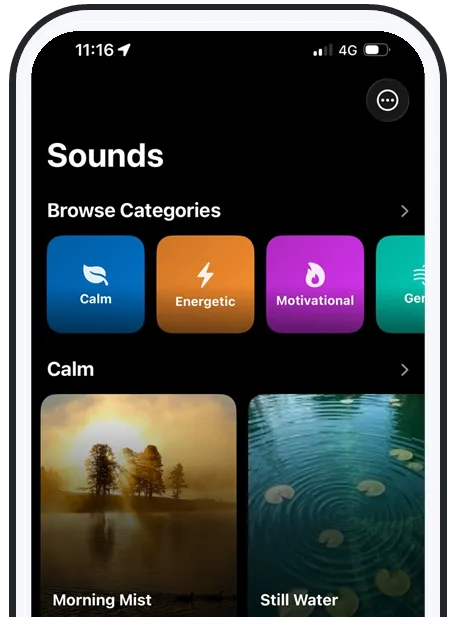
Step by step
What to record, and how to trim it
A good wake-up recording is short, firm, and specific. Don't ramble — the brain reacts to clear, direct speech. Try one of these:
- Name + command: "Sarah, get up — feet on the floor, now."
- The reason: "You wanted the early gym slot. Go."
- The cost of snoozing: "Hit snooze and you miss the train again."
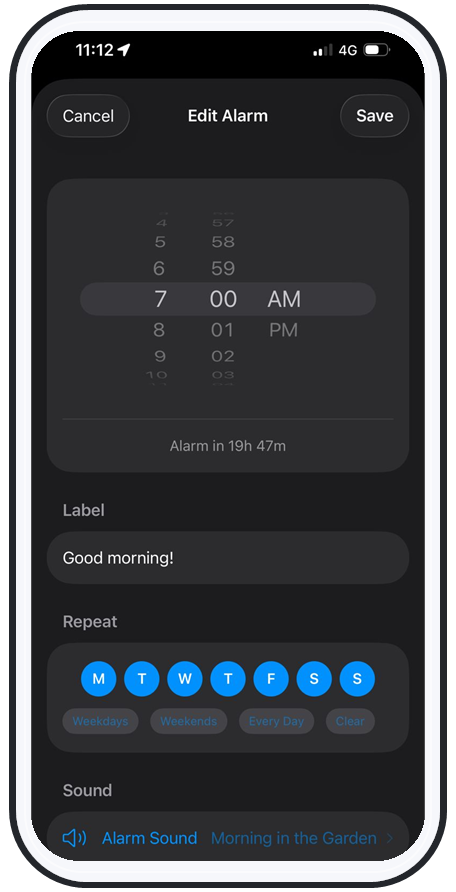
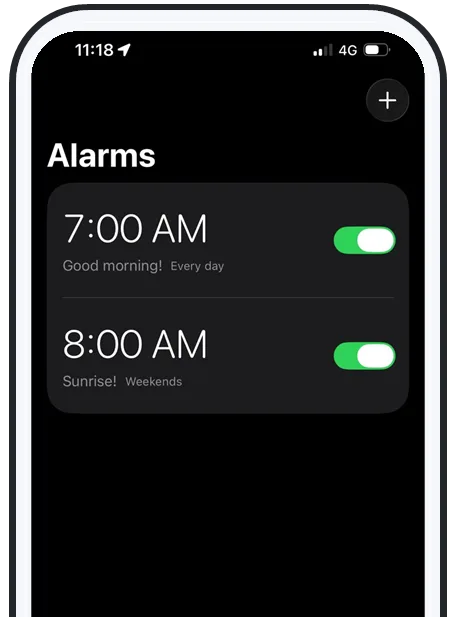
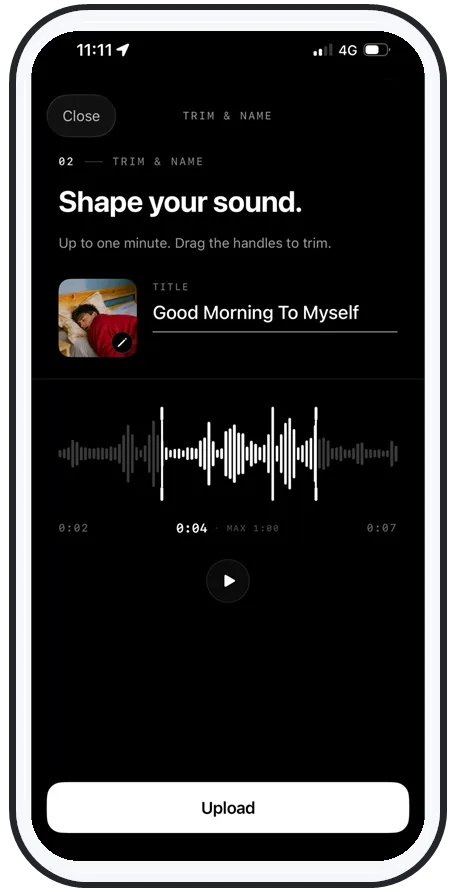
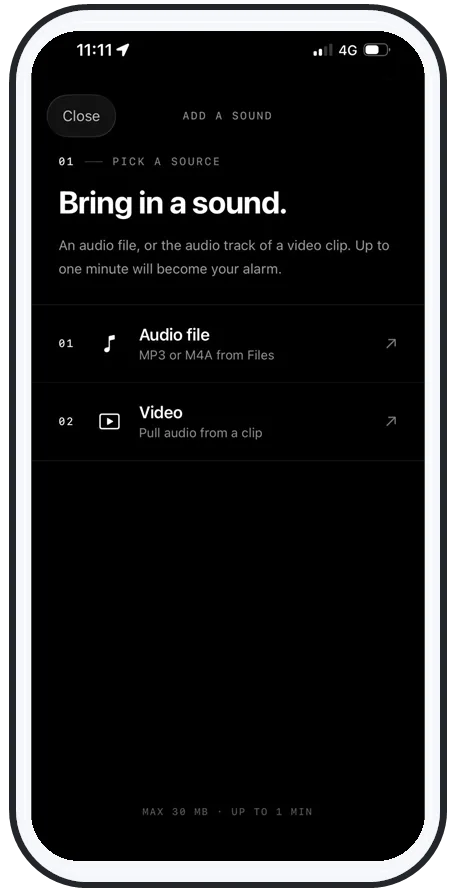
Record about 5–10 seconds in a normal-to-loud voice, then trim it so it starts on the very first word with no dead air at the front — a half-second of silence at the start is wasted runway when you're trying to wake someone. In AlarmiFex you record in the app, drag the trim handles to the part that matters, save, and assign it to an alarm. Want a song on the same alarm clock too? Here's how to set any song as your alarm on iPhone.
Voice vs. music
When your voice wins — and when a song does
Neither is universally better; they solve different mornings.
- Use your voice when you need a sharp jolt, a specific instruction, or high stakes — an early shift, a flight, an exam. Direct speech is harder to dismiss on autopilot than a melody.
- Use music when you want a gentler, more pleasant lift or a longer runway before the loud part lands.
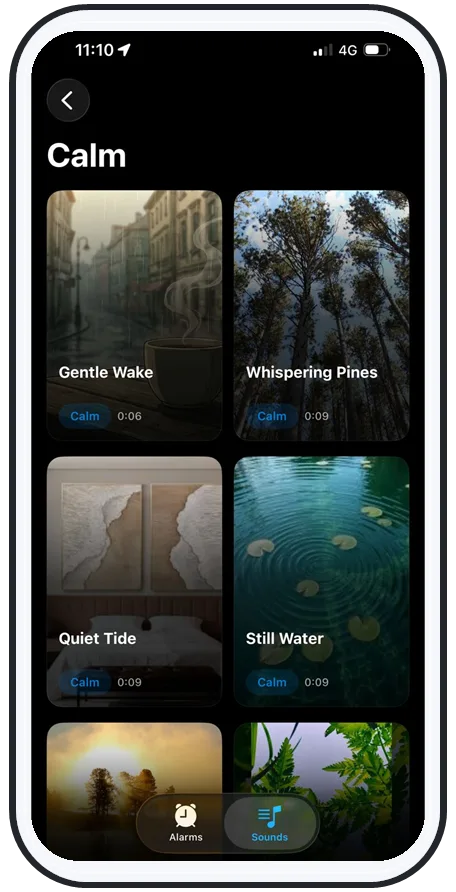
The smartest setup is to rotate both: a recorded voice for the mornings you absolutely cannot miss, a favorite track for ordinary days. Rotation is also the anti-habituation move — your brain can't tune out a sound it doesn't hear every single day. If volume is your priority, pair either with an above-system-volume loud alarm.
Reliability
A clever sound is useless if it doesn't ring
Streaming and music-app alarms share a nasty failure mode: they go quiet when the connection drops, when the phone is on silent or Do Not Disturb, or when the app falls back to a tone that never actually plays. Wake up at 6:40 to a silent phone once and you stop trusting it.
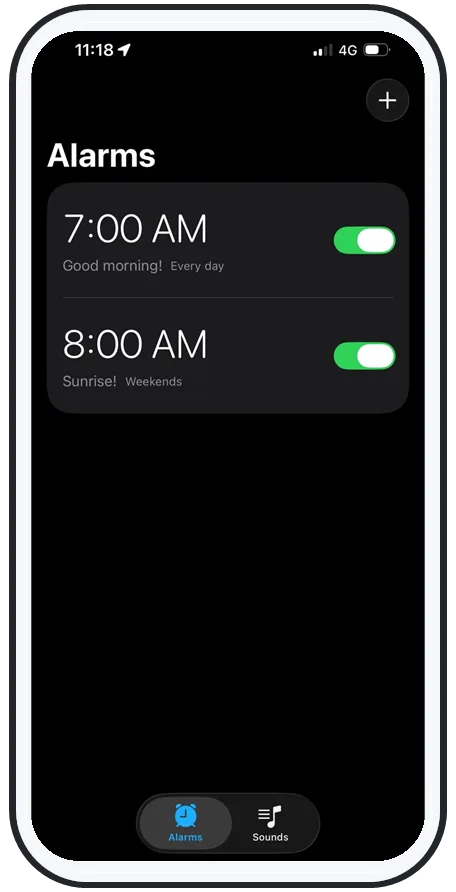
A recorded voice avoids all of that because the clip lives on the device. AlarmiFex saves your recording for offline playback and schedules it through Apple's AlarmKit, so it rings on silent, on Do Not Disturb, on Focus, on the lock screen, and with no signal — and above your phone's normal volume ceiling. Whatever you record can't fail silently overnight.
Swipe to see more
Put it together
Personal + loud + reliable, in one alarm
Set it up once and your most stubborn mornings get easier:
- Record a firm, specific message in your own voice and trim it to the first word.
- Rotate it with the occasional song so your brain never habituates.
- Trust it: saved offline and scheduled via AlarmKit, it rings on silent, on Focus, and with no signal — above system volume.
That's exactly how AlarmiFex is built. See how the features work, or grab it on the App Store and record your first wake-up message tonight.
Frequently asked questions
Is there a voice alarm app that wakes you to your own voice?
Yes. AlarmiFex is an iPhone voice alarm app that lets you record your own message and set it as the alarm. You record a short clip in the app, trim it to the part that matters, and assign it to an alarm. Because it's a sound your brain has never slept through, it cuts through habituation better than a stock tone, and it plays above system volume so it's hard to ignore.
How do I record my own alarm on iPhone?
In AlarmiFex, tap to add a sound, choose record, and speak a short, firm message of about 5 to 10 seconds. Trim the recording so it starts on the first word with no dead air, save it, and assign it to an alarm. The clip is stored on the phone so it plays even with no internet connection, on silent, and on Do Not Disturb or Focus.
Does a custom voice alarm work better than a loud tone?
Often, yes, because waking is about novelty and meaning as much as volume. Your sleeping brain habituates to a sound it hears every day and stops triggering a full wake-up, no matter how loud it is. A personal voice saying your name and a specific instruction is unfamiliar and emotionally relevant, which makes it harder to tune out. For maximum effect, combine a personal voice with above-system volume and rotate it occasionally.
When should I use music instead of my voice for an alarm?
Use music when you want a gentler, more pleasant wake-up or a longer runway before the loud part hits, and use your own voice when you need a sharp, get-out-of-bed jolt or a specific instruction like a reminder of why you're getting up. Many people rotate both: a recorded voice for high-stakes mornings such as an early shift, and a favorite song for ordinary days.
Will a recorded voice alarm still go off on silent or offline?
In AlarmiFex it does. The recording is saved on the device and scheduled through Apple's AlarmKit, so it rings on silent, on Do Not Disturb, on Focus, on the lock screen, and with no signal. Unlike streaming alarms that go quiet when the connection drops, an offline recording can't fail silently overnight.
Try an alarm that actually goes off
AlarmiFex wakes you to any song or your own voice — extra loud, even on silent, even offline.

More heavy-sleeper guides