Loudest Alarm App for iPhone: Above-System-Volume Alarms
The short answer
The loudest alarm app is the one that breaks the volume ceiling
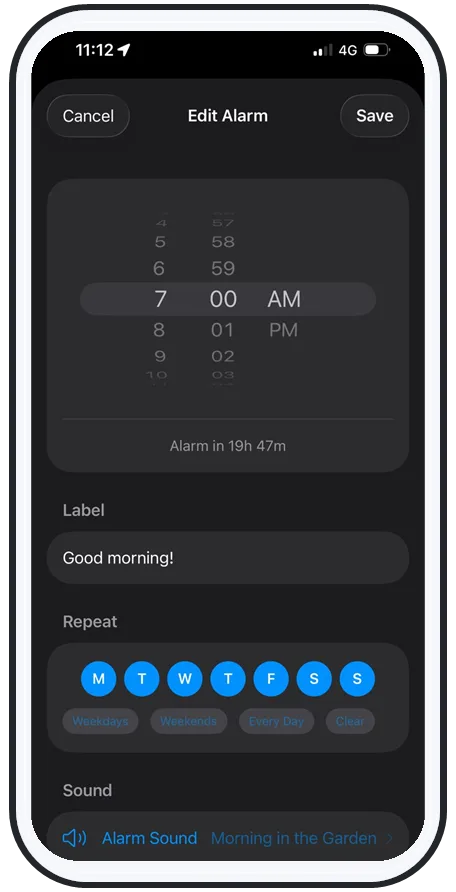
Short answer: a truly loud alarm app for iPhone plays above your system volume, not just up to it — so it can't be quietly capped by your ringer slider. AlarmiFex boosts the alarm louder than the stock Clock, rings through silent mode, Do Not Disturb and Focus, and pairs that volume with a sound you can rotate so your brain can't tune it out.
If you've tried "the loudest alarm" and still slept through it, the issue usually isn't the ringtone — it's the ceiling Apple puts on how loud an alarm is allowed to get. This guide explains why the stock alarm caps out, what "above-system volume" actually means, and why loud only works when it's also novel.
The problem
The stock alarm is capped at your system volume
The built-in Clock alarm can only get as loud as your phone's system volume allows. If that slider is halfway up — or your iPhone quietly lowered it overnight to "protect your hearing" — your alarm plays at half power and you never hear it. There's no setting that lets a standard alarm exceed that ceiling.
For heavy sleepers this is the core failure: the one time you need maximum volume, you're depending on a slider you set hours earlier while distracted. A loud alarm app fixes the design flaw instead of asking you to remember. Pairing that with a sound you choose yourself — see how to set any song as your alarm on iPhone — gives you both volume and a sound worth waking to.
What above-system means
How AlarmiFex pushes past the ceiling
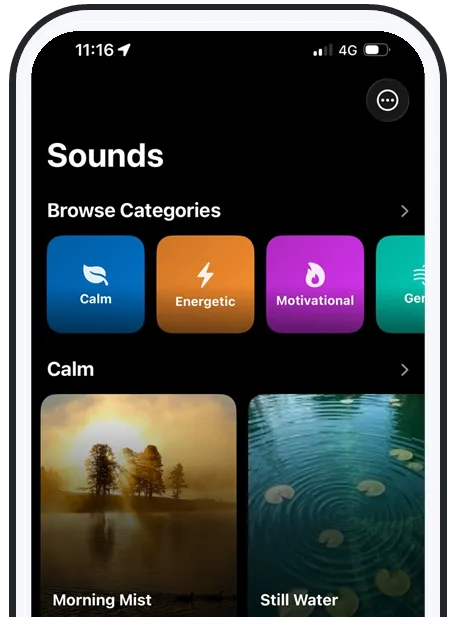
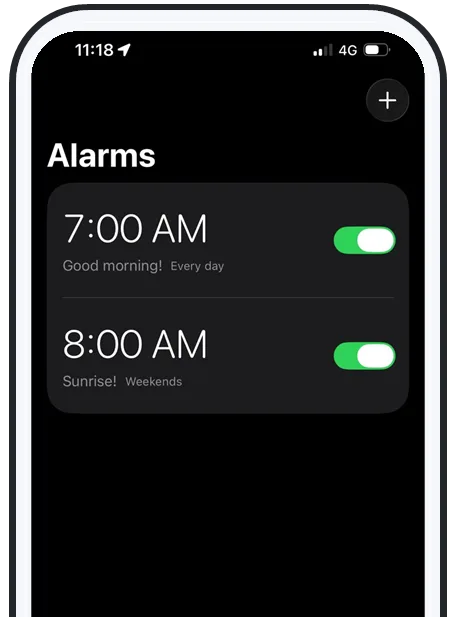
"Above-system volume" means the alarm is boosted louder than a standard alarm would play at the same slider setting — the app drives the sound harder so it's audibly bigger than the stock Clock. Combined with Apple's AlarmKit scheduling, it rings on silent, on Do Not Disturb, on Focus, on the lock screen, and even offline when the sound is downloaded ahead of time.
That last part matters: streaming and music-link alarms often go silent when there's no connection. An offline, above-system-volume alarm doesn't have that failure mode — the sound is already on your phone and it plays loud no matter what your media volume was doing.
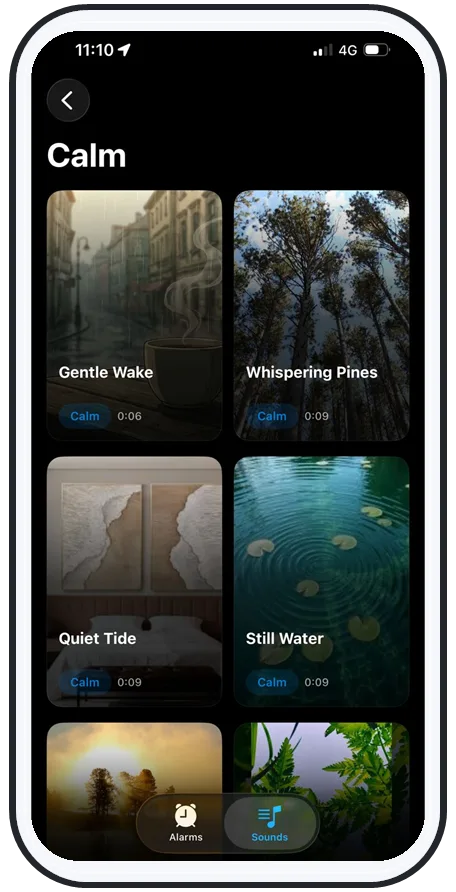
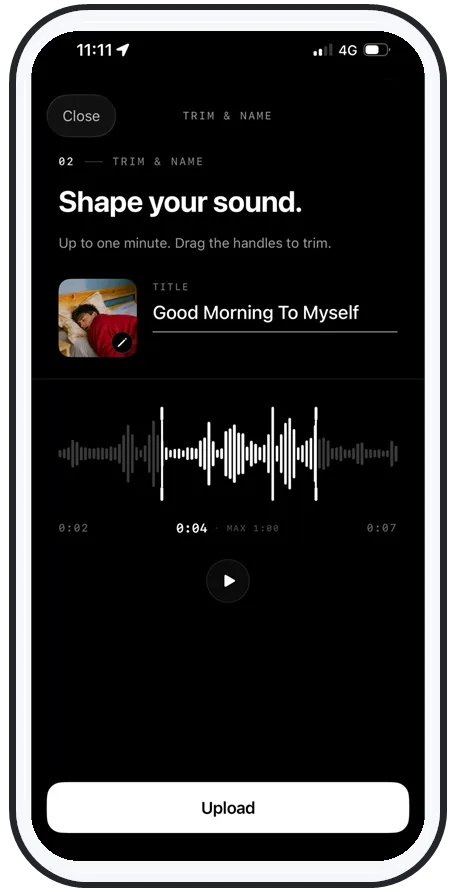
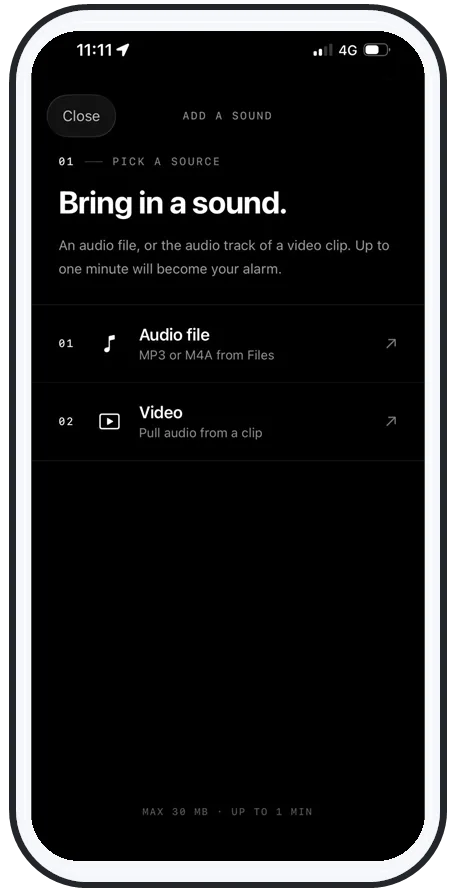
Swipe to see more
Loud + novel
Don't rely on volume alone
Cranking the volume helps, but it has a ceiling of its own: your brain. After a week or two of the same sound, your sleeping brain files it as harmless and stops triggering a wake-up — even at full blast. That's habituation, and it's why "the loudest alarm" stops working after a while.
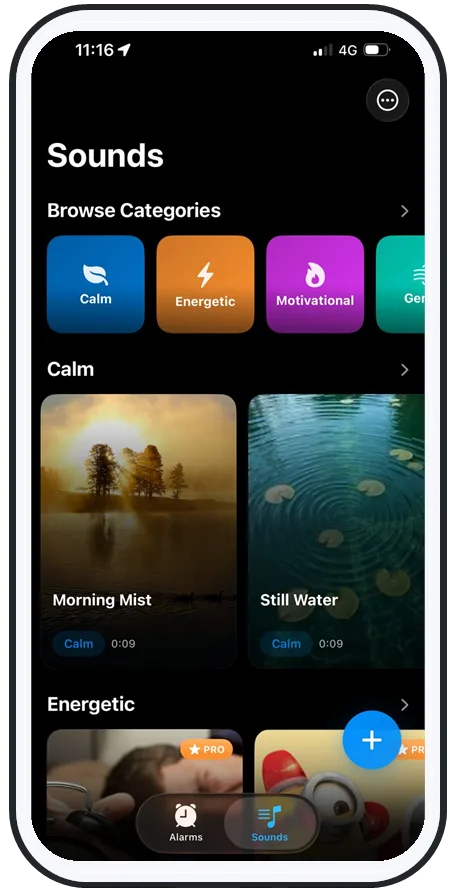
The fix is to combine loud with novel: keep the volume high, but rotate the sound so it stays unfamiliar. Wake to a different song each week, or to your own recorded voice — an urgent, personal sound your brain hasn't learned to ignore. Loud gets through your speaker; novel gets through your brain.
Safety
Loud enough to wake you, not to hurt you
Louder isn't automatically better past the point that reliably wakes you. Sustained very loud sound right next to your ears can add to hearing fatigue, so a few simple habits keep an extra-loud alarm safe:
- Distance over decibels: place the phone an arm's length away, not on your pillow — distance still wakes you and protects your ears. (More on this in the best alarm apps for heavy sleepers.)
- Use the lowest volume that works: let novelty and a rising sound do some of the lifting instead of pure volume.
- Back off if your ears complain: any ringing or pain means turn it down.
Bottom line
A loud alarm that also refuses to fail
The loudest alarm app isn't the one with the most aggressive tone — it's the one that escapes the system-volume cap and stays loud when everything else goes quiet. AlarmiFex boosts above standard alarm volume, rings on silent, Focus and offline through Apple AlarmKit, and lets you rotate any song or your own voice so loud stays effective.
See how the features work, or get it on the App Store and set your first above-system-volume alarm tonight.
Frequently asked questions
What is the loudest alarm app for iPhone?
The loudest alarm apps are the ones that play above the iPhone's normal system volume instead of being capped by your ringer slider. AlarmiFex is built for this: it boosts the alarm louder than a standard alarm and rings through silent mode, Do Not Disturb and Focus using Apple's AlarmKit, so the sound that wakes you isn't limited to whatever your media volume happened to be set at.
Why is my iPhone alarm so quiet?
The stock Clock alarm is capped at your system volume, and many third-party alarms are limited to your media volume slider. If that slider is low, or your phone reduced volume overnight, the alarm plays quietly. A loud alarm app that pushes above the system ceiling avoids this, because it doesn't rely on you remembering to max the volume before bed.
Does a louder alarm actually wake heavy sleepers?
Volume helps, but it isn't the whole story. Once your brain habituates to a repeated sound it stops triggering a wake response even at high volume, and during deep sleep your arousal threshold is naturally higher. The most reliable approach pairs a loud, above-system-volume alarm with a novel sound you rotate regularly, so the alarm is both loud and unfamiliar.
Is it safe to use an extra-loud alarm every morning?
Use the lowest volume that reliably wakes you. Sustained very loud sound close to your ears can contribute to hearing fatigue, so place the phone an arm's length away rather than next to your pillow, and let a gradually rising or rotating sound do some of the work instead of relying on maximum volume alone. If you have any ear pain or ringing, lower the volume.
Try an alarm that actually goes off
AlarmiFex wakes you to any song or your own voice — extra loud, even on silent, even offline.