Does the Alarm Go Off on Do Not Disturb / Focus? (iPhone)
The short answer
Yes — Do Not Disturb does not silence your alarm
Short answer: yes, your alarm does go off on Do Not Disturb and every Focus mode. Apple deliberately exempts alarms — DND and Focus mute calls, texts, and notifications, never the Clock app's alarm. If an alarm ever stayed quiet, the real culprit was a low volume slider, a third-party music alarm that failed, or a scheduled Focus hiding the wrong thing — not Do Not Disturb itself.
It's one of the most-Googled iPhone worries: you flip on Do Not Disturb or a Sleep Focus before bed, then lie awake wondering if you just muted the one thing that has to ring. You didn't. Below is exactly how iOS treats alarms under Focus, the handful of ways people still get burned, and how to make absolutely certain your alarm fires.
How iOS works
The stock Clock app ignores Focus by design
Focus modes (including Do Not Disturb and Sleep) exist to filter interruptions — incoming calls, messages, and app notifications. The Clock app's alarms sit in a completely separate lane. When you set an alarm in the stock Clock app, it will sound at the volume you've chosen regardless of whether the moon icon is showing, whether a Sleep Focus is scheduled, or whether the phone is locked.
The same goes for the physical ring/silent switch. Flipping your iPhone to silent mutes ringtones and notification sounds, but a real alarm still rings out loud. So "DND, Focus, silent" are three separate switches, and none of them is wired to your alarm. The confusion is understandable — but the behavior is consistent and intentional.
The catch
So why do people still sleep through it?
If Do Not Disturb never silences an alarm, why do so many people swear theirs failed under Focus? Three reasons, in order of how common they are:
- Volume was low. The ringtone/alarm slider (Settings > Sounds & Haptics) was turned down, or the in-app slider on a third-party alarm was near zero. It rang — you just couldn't hear it.
- A music or streaming alarm failed. Spotify and other streaming alarms can go quiet when there's no connection or the track never loads. That looks like "Focus silenced it," but it's a reliability failure in the app.
- A scheduled Focus hid the wrong thing. A custom Focus can dim the lock screen or hide the clock, making people think the alarm is gone when it's still armed.
Streaming alarms are the worst offender here — we break down exactly why in why a Spotify alarm fails to go off.
Be certain
How to prove your alarm will fire
Don't trust it — test it. It takes two minutes and removes the anxiety for good:
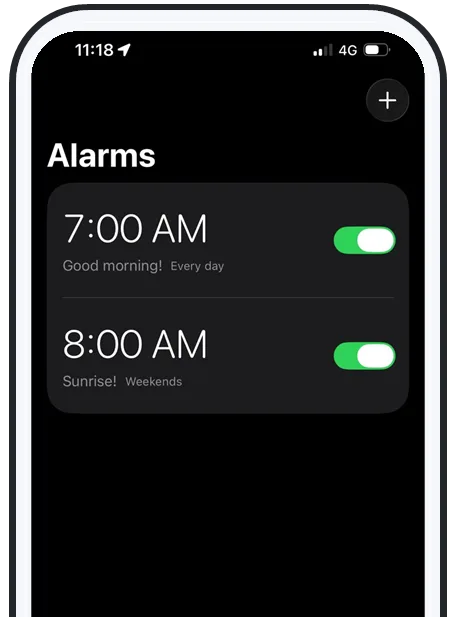
- Set the volume first. Go to Settings > Sounds & Haptics and drag the Ringtone and Alerts slider most of the way up. If your alarm app has its own volume, max that too.
- Turn on Do Not Disturb (or your Sleep Focus) and flip the physical switch to silent — stack every setting you're worried about.
- Set an alarm for one or two minutes out, lock the phone, and wait. You'll hear it ring straight through DND, Focus, and silent.
For the related question of whether your phone is in the right spot to actually wake you, see the best alarm apps for heavy sleepers, which covers placement and volume together.
The deeper risk
Focus is fine — reliability is the real question
Once you know Do Not Disturb won't betray you, the better question is whether your alarm app itself is reliable. The stock Clock app is dependable but limited: one capped volume, repetitive tones, and no custom songs. Third-party apps add features but often trade away reliability — they get silenced by silent mode, go quiet offline, or fall back to a tone that never actually plays.
That's the gap worth closing. If you also rely on Focus or silent mode overnight, you want an alarm that's built to ignore all of them on purpose — not one that happens to work until the night it doesn't. We cover the silent-mode side of this in how to make your iPhone alarm go off on silent.
Swipe to see more
Why AlarmiFex
Rings through Focus, silent, and offline — on purpose
AlarmiFex is built so the settings people worry about can't stop it:
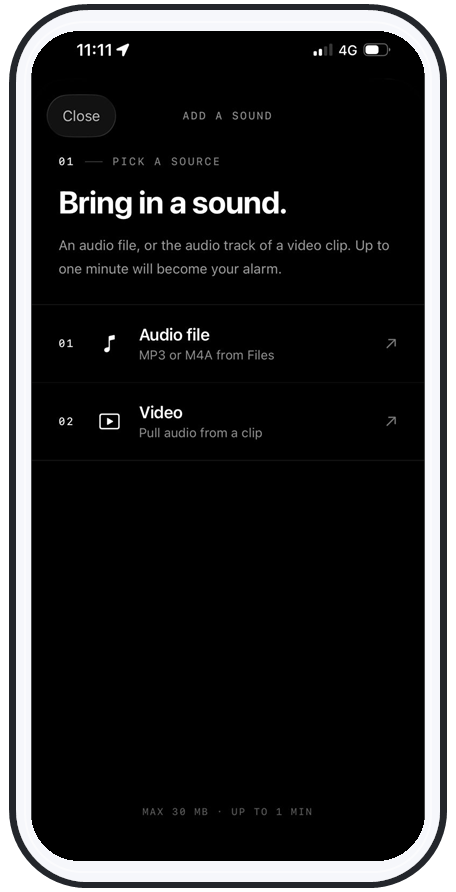
- Through Focus and silent: it schedules with Apple's AlarmKit, the same system the stock Clock uses, so Do Not Disturb, every Focus mode, and the silent switch leave it alone.
- Offline: sounds download to your phone, so there's no track-won't-load failure like streaming alarms have.
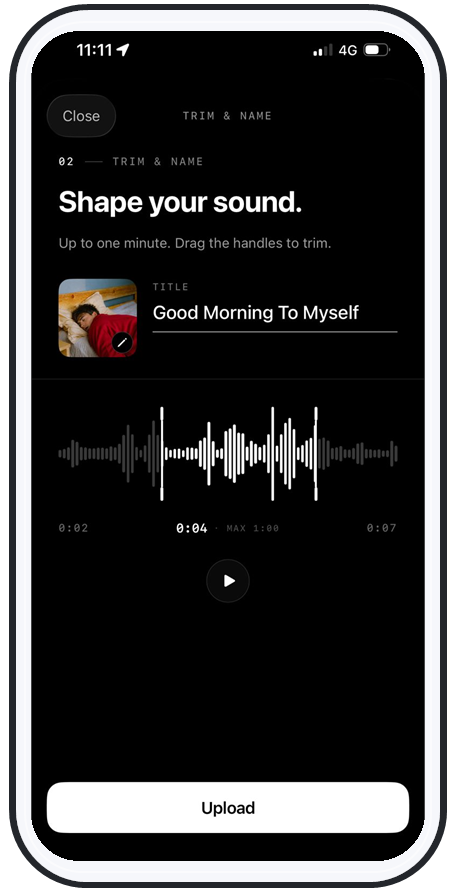
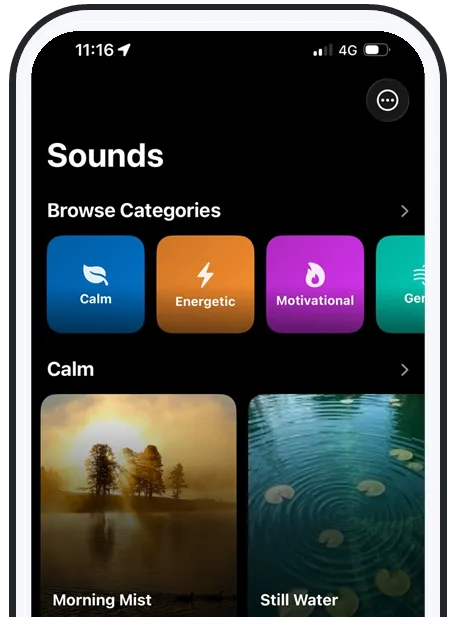
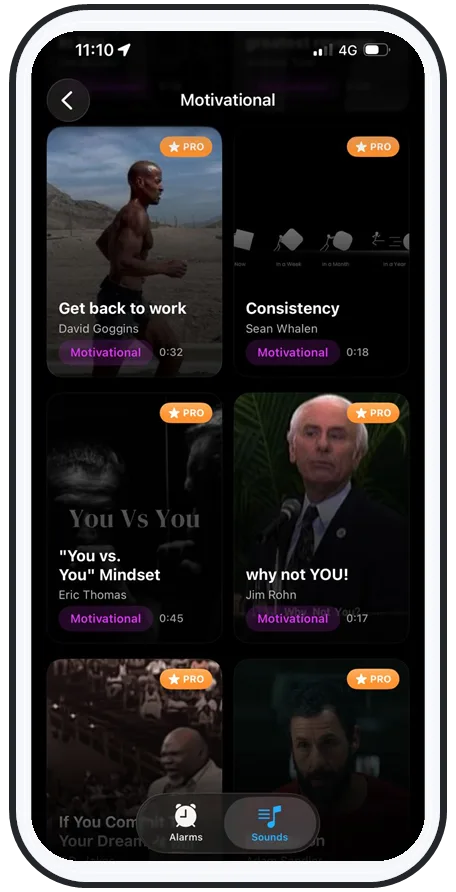
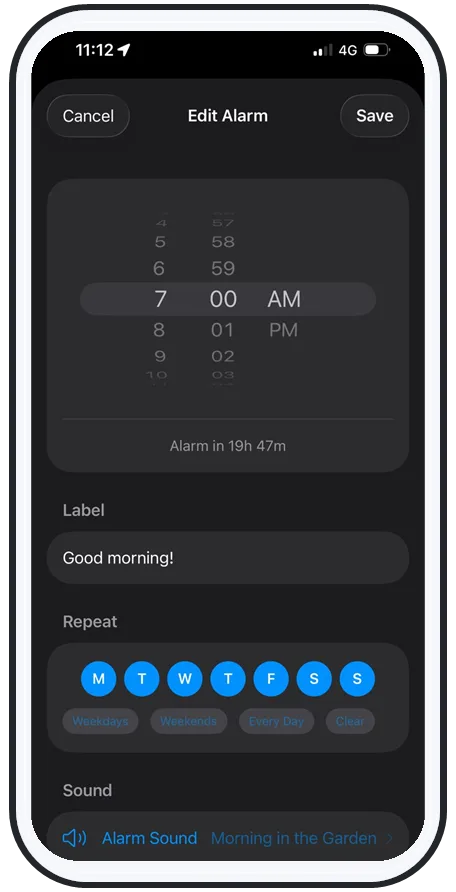
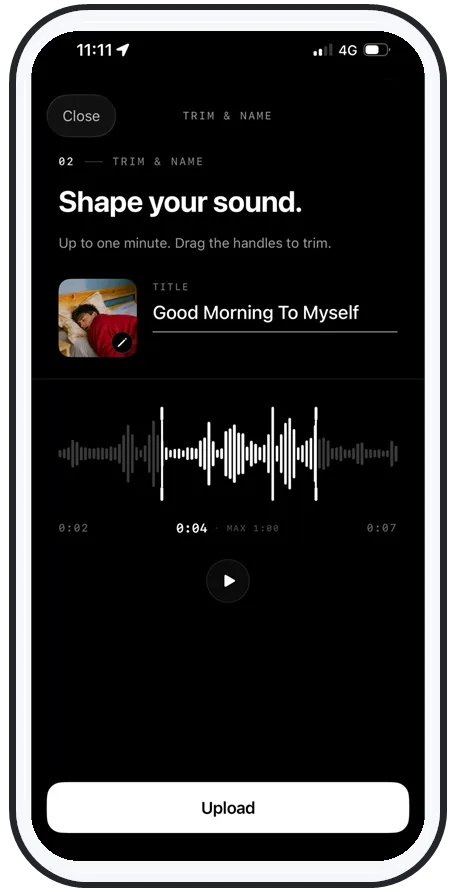
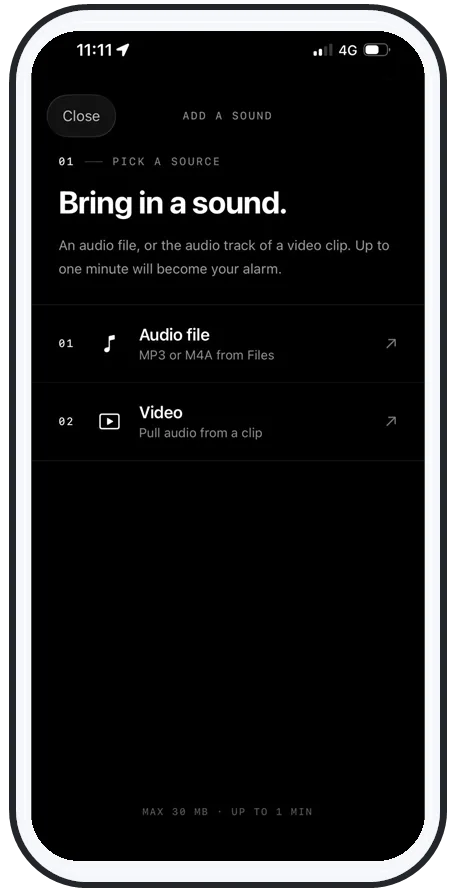
- Loud and personal: wake to any song or your own recorded voice, pushed above the normal system volume ceiling, and rotate sounds so your brain can't tune them out.
See how the features work, or grab it on the App Store and run the two-minute DND test yourself.
Frequently asked questions
Does the alarm go off on Do Not Disturb on iPhone?
Yes. Do Not Disturb and Focus never silence the Clock app's alarms — they're designed to mute calls, texts, and notifications, not alarms. Your alarm will ring at full volume even with the moon icon showing. People still get burned for other reasons: the alarm's own volume slider is set low, they're using a third-party music or streaming alarm that fails silently, or a scheduled Focus is hiding the wrong thing. Test it once and you'll see it ring.
Do alarms work on Focus mode on iPhone?
Yes. Every Focus mode — Do Not Disturb, Sleep, Work, Personal, or a custom one — leaves alarms untouched. Focus filters notifications and calls; it has no control over the Clock app's alarm sound. The same is true on the lock screen and when the phone is on silent. If an alarm doesn't ring, the cause is volume, a third-party app's reliability, or the alarm simply wasn't set — not Focus.
Why didn't my alarm go off if Do Not Disturb doesn't silence it?
Almost always one of three things: the alarm volume (Settings > Sounds & Haptics > Ringtone slider, or the in-app slider) was turned down; you used a Spotify, music, or streaming alarm that lost connection or fell back to a track that never loaded; or the alarm was set for PM instead of AM, or on the wrong day. Do Not Disturb itself is not the culprit — Apple explicitly lets alarms through.
Does the iPhone alarm ring on silent mode and Focus at the same time?
Yes. Silent mode (the physical ring/silent switch) and Focus are separate systems, and neither one silences a real alarm. The Clock app rings through both. The catch is that some third-party alarm apps don't use Apple's alarm system, so they can be silenced by these settings. AlarmiFex uses Apple AlarmKit plus offline-downloaded sounds, so it rings on silent, on Focus, on the lock screen, and even with no signal.
Try an alarm that actually goes off
AlarmiFex wakes you to any song or your own voice — extra loud, even on silent, even offline.